



Essential DTF Transfer Tips: Stop Wasting DTF Transfers
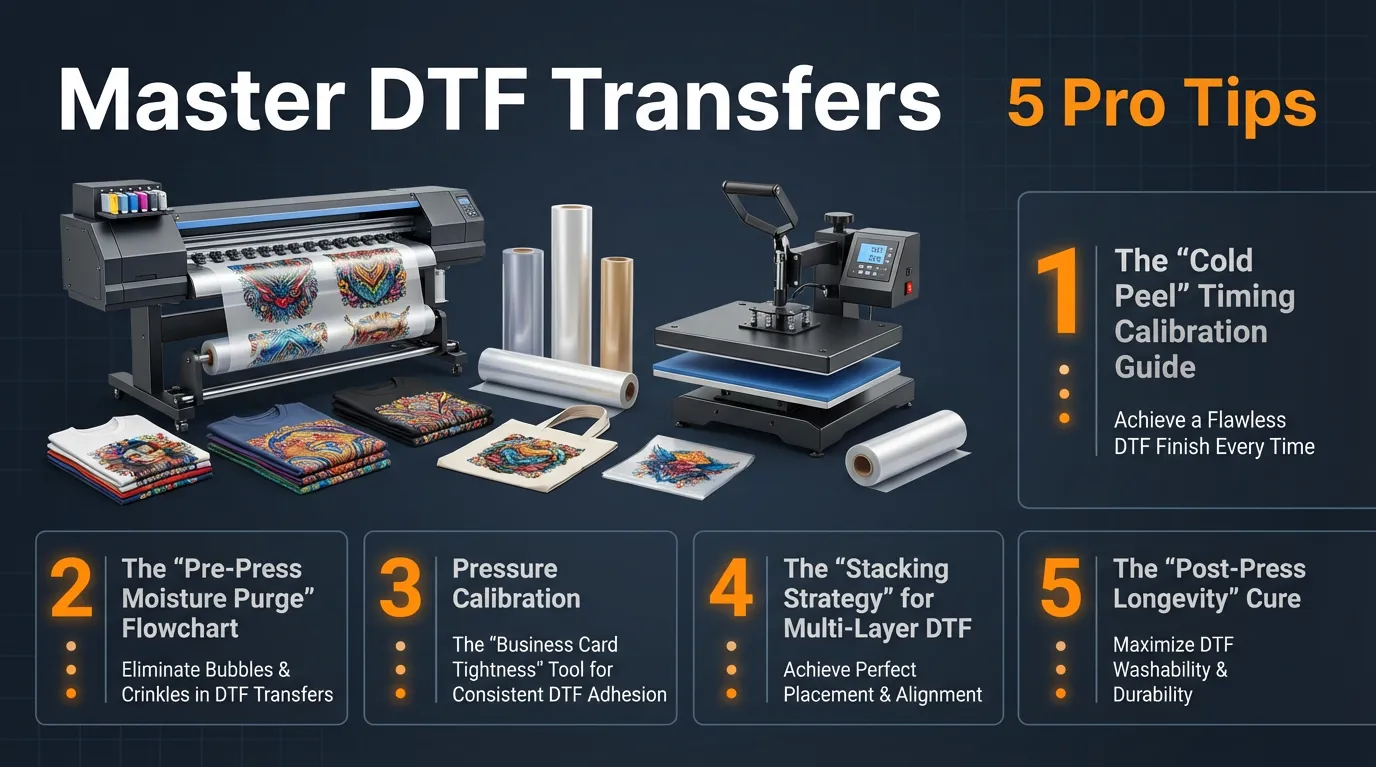
DTF Transfer Tips: 5 Pro Techniques for Perfect Pressing Every Time
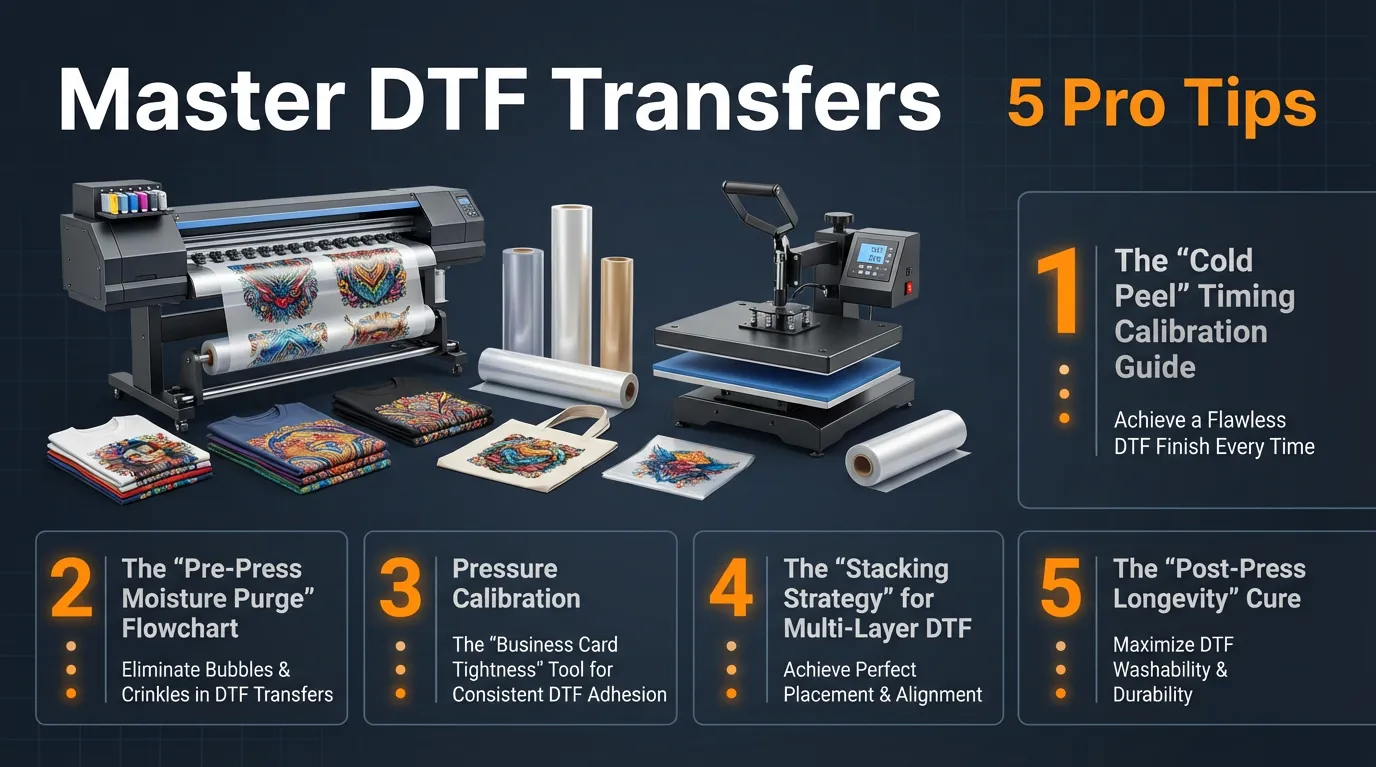
DTF transfer tips can make the difference between a flawless, professional print and a shirt that peels after one wash. Whether you’re dealing with ghosting, lifting edges, or inconsistent pressure, small adjustments in your pressing process and proper DTF heat press settings can dramatically improve results.
If you’ve ever wondered how to apply DTF transfers correctly or searched for a reliable DTF pressing guide, this breakdown will simplify the process. In this guide, you’ll learn 5 proven DTF transfer tips and DTF printing techniques used by professional printers to eliminate common mistakes and improve durability, alignment, and wash resistance.
Master Cold Peel Timing for Clean Results
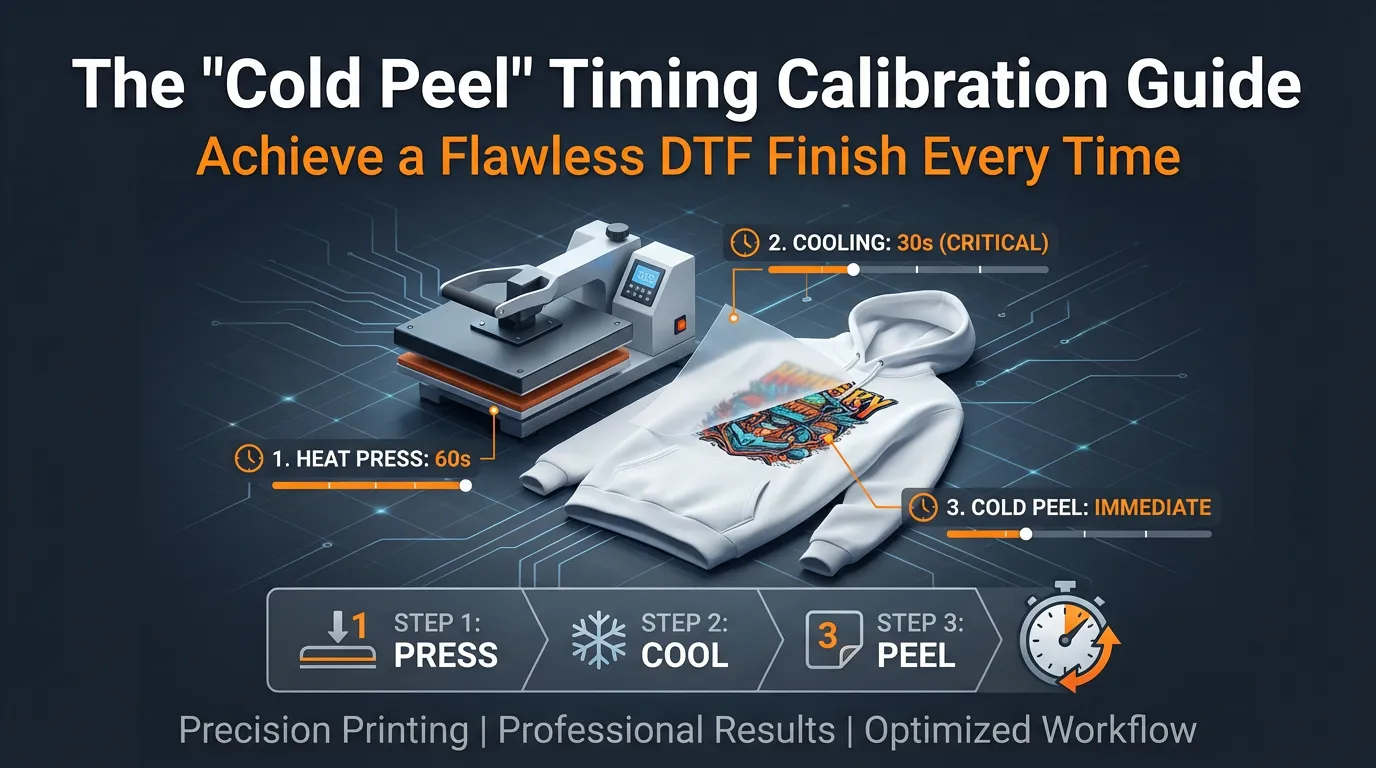
One of the most important DTF transfer tips is understanding proper cold peel timing.
Peeling too early can cause lifting and ghosting. Peeling too late may affect surface smoothness.
The 3-Step Chill Check:
Wait 30–60 seconds after pressing.
Use an infrared thermometer and peel only below 80°F (27°C).
Test a small corner before removing the full film.
This ensures the adhesive has fully bonded to the fabric.
The Solution: The “3-Step Chill Check” Framework for Perfect Peeling.
- Expert Tip: The ideal temperature for a clean, cold peel is consistently below 80°F (27°C). This ensures the adhesive has fully set and bonded with the fabric fibers.
- The Framework:
- The Wait Time Test: After the initial heat press, lift the platen and allow the garment to cool. Wait exactly 30 seconds, then attempt a small, gentle corner peel. If you encounter resistance, stretching, or any sign of incomplete adhesion, wait another 30 seconds. Document your minimum effective wait time for your specific heat press, room temperature, and garment type (e.g., 60-90 seconds).
- The Surface Temperature Confirmation: Eliminate guesswork by using an inexpensive yet highly effective infrared thermometer. Point it directly at the DTF film. Do not attempt to peel until the thermometer reads below 80°F (27°C). This scientific approach guarantees optimal adhesive curing, regardless of ambient conditions.
Pro Tip for DTF Crafters: Invest in an IR thermometer to precisely guarantee your cold peel temperature is below 80°F, ensuring professional, consistent results every single time.
Professional printers rely on DTF Transfer Tips to achieve flawless adhesion every time.
Always Pre-Press to Remove Moisture
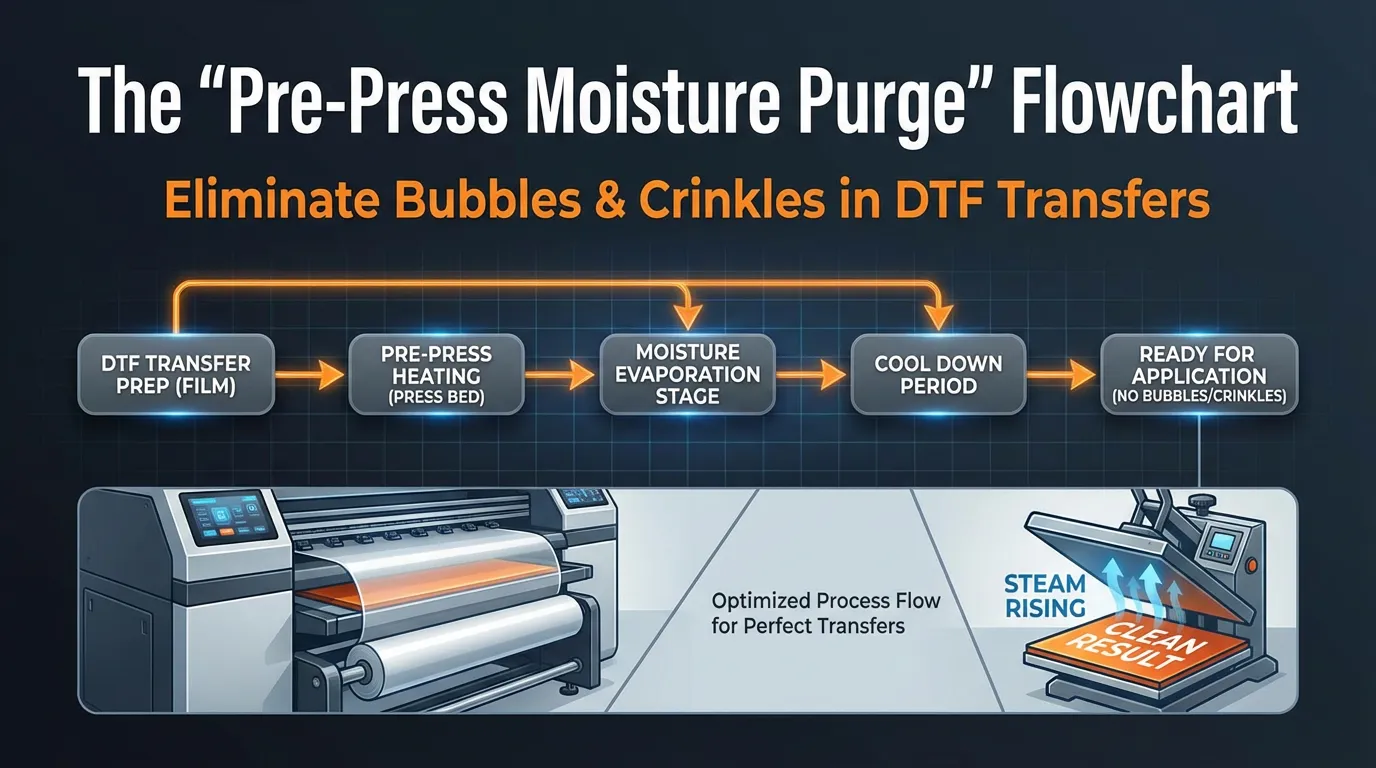
Another critical DTF transfer tip is eliminating hidden garment moisture.
Even new shirts contain moisture that turns into steam during pressing, causing bubbles or weak adhesion.
Quick Pre-Press Guide:
Cotton/Poly blends → 10 seconds
100% cotton → 5 seconds
Lint roll immediately after pre-press
Apply transfer while fabric is warm and dry
Skipping this step is one of the most common beginner mistakes.
The Problem: Even seemingly dry garments, especially new ones, harbor microscopic moisture. During the intense heat of the press, this moisture rapidly converts to steam, creating tiny bubbles, unwanted texture issues, and significantly compromising the long-term adhesion and durability of your DTF transfer. This often leads to premature peeling and customer dissatisfaction.
The Solution: The 10-Second Moisture Purge Flowchart for Flawless Garment Prep.
- Is it a Cotton/Poly Blend or Synthetic Fabric?
- Yes: Place the blank garment on your heat press platen. Press it at your final transfer application temperature for a full 10 seconds with medium-firm pressure. This crucial step effectively purges all hidden moisture.
- No (100% Cotton/Linen): For natural fibers like 100% cotton or linen, which typically hold less moisture, a 5-second pre-press is usually sufficient.
- The Lint Roll Lockdown: Immediately after the moisture purge, while the garment is still warm on the platen, use a fresh, high-quality lint roller across the entire surface where the DTF will be applied. The heat causes tiny fabric fibers to stand up, and this step meticulously removes them, preventing any interference with the transfer’s adhesion.
- The Press-Ready Check: Lay your DTF film down immediately after lint rolling. The garment should feel warm and perfectly dry to the touch, creating an optimal surface for transfer application.
Pro Tip for DTF Crafters: Make pre-pressing a non-negotiable step for EVERY garment. A 5-10 second purge followed by a lint roll ensures a moisture-free, fiber-free surface for superior DTF adhesion.
Following proven DTF Transfer Tips reduces waste and improves production efficiency.
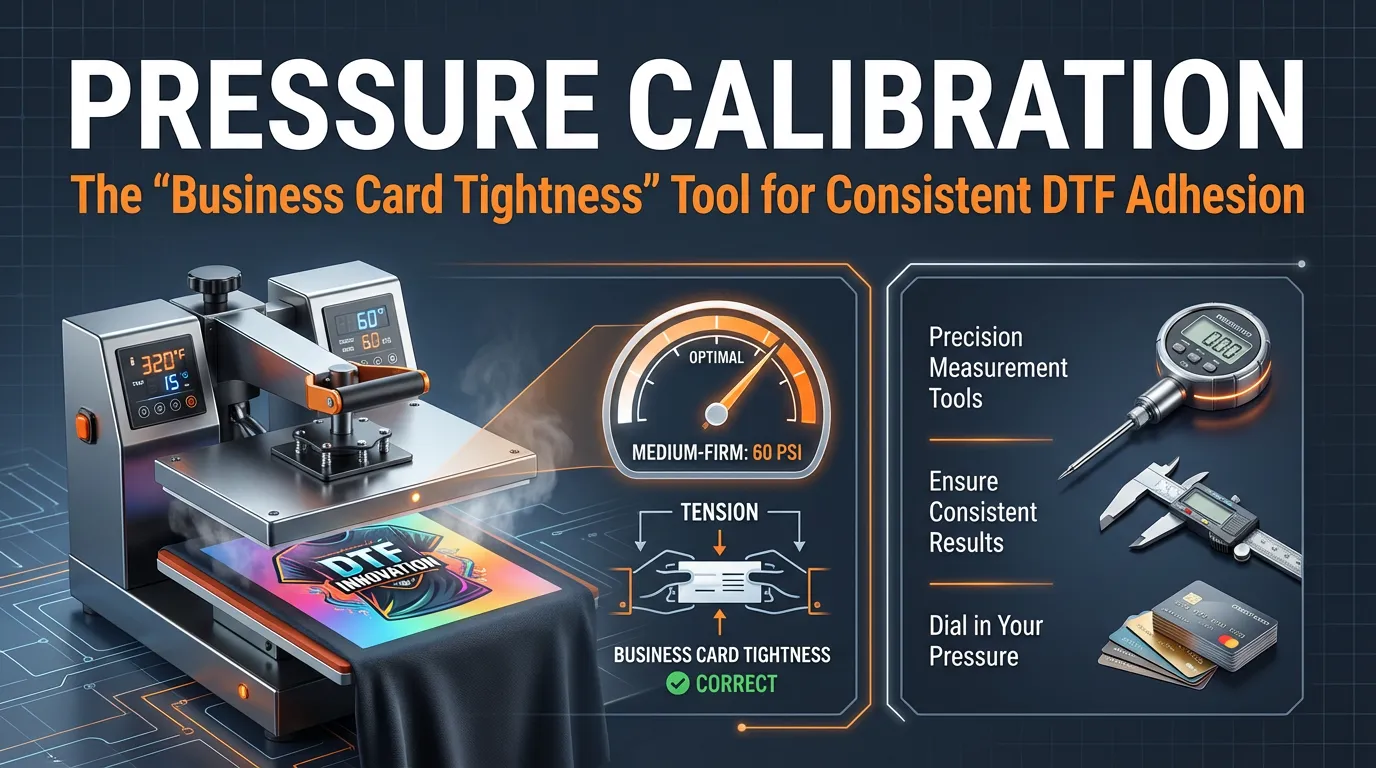
Use the Business Card Test for Accurate Pressure
The Problem: Achieving the correct pressure is paramount for successful DTF transfers, yet “firm pressure” is often subjective and varies wildly between different manual heat presses. Insufficient pressure leads to uneven transfer adhesion and patchy results, while excessive pressure can squish the adhesive, causing bleed-out and an undesirable finish.
The Solution: Utilize a Standard Business Card as Your Precision Pressure Gauge.
- Expert Tip: Inconsistent or incorrect pressure is arguably the most common culprit behind spotty DTF adherence and poor washability.
- The Tool/Framework:
- Take a standard business card (or a piece of sturdy cardstock) and place it precisely at the edge of your heat press platen.
- Clamp your heat press down using the normal locking force you would apply for a DTF transfer (avoiding extreme, unnatural force).
- Attempt to slide the business card out from under the clamped press.
- Optimal Pressure Indication: You should be able to tug the card, but it should feel like you are exerting significant force, almost as if you are ripping the card in half to remove it. If the card slides out easily with minimal effort, your pressure is too light and needs to be increased. If the card is completely locked and tears instantly upon the slightest tug, your pressure is likely too heavy and should be slightly decreased.
Pro Tip for DTF Crafters: Implement the “Business Card Tightness” test (tug hard, feel like ripping) to accurately set and verify firm, consistent, and even pressure across your heat press platen.
Using the right DTF Transfer Tips is what separates hobby-level results from professional production. When pressure, temperature, peeling, and curing are all controlled properly, DTF Transfer Tips ensure your designs stay vibrant, flexible, and durable even after repeated washing.
These DTF Transfer Tips are essential for long-term durability and wash resistance.
Align Transfers Precisely Every Time
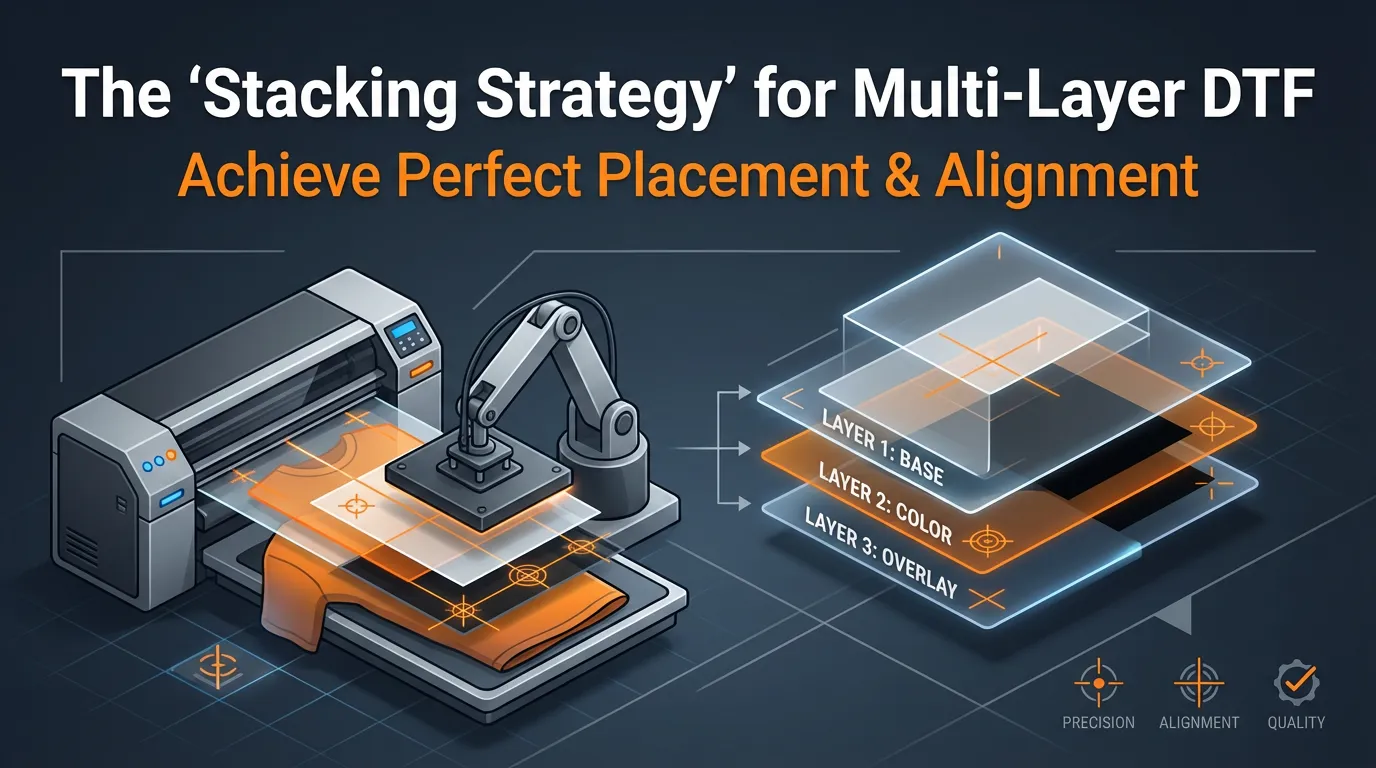
The Problem: Applying multiple DTF transfers to a single garment—such as a large back design combined with a small chest logo, or intricate layered graphics—frequently results in crooked, misaligned, or off-center prints. This can significantly detract from the professional appearance of your finished product.
The Solution: The Painter’s Tape & Ruler Stacking Framework for Precision Placement.
- The Center Line: Begin by folding your garment vertically in half. Give the central crease a quick, light 2-second press with your heat press (avoid over-creasing, which can leave a permanent mark). This temporary crease serves as your infallible vertical alignment guide.
- The Temporary Hinge: Carefully position your first transfer (typically the largest or main design) perfectly centered on the garment, using your newly created center crease as a reference. Once satisfied with the placement, secure the top edge of the DTF film to the shirt with two pieces of low-tack painter’s tape, creating a stable “hinge.”
- The Ruler Offset: For your subsequent transfers (e.g., a chest logo, sleeve design, or additional graphic), utilize a precise ruler. Measure the exact desired distance down from the collar (a common starting point is 3 fingers or 3 inches) and horizontally from your established center crease. This ensures consistent and symmetrical placement across all elements.
- The Final Press: If all transfers fit comfortably under your heat press platen, you can apply them simultaneously. Otherwise, press them sequentially. For each section, always apply the same “3-Step Chill Check” framework (as detailed in Idea 1) for optimal cooling and peeling.
Pro Tip for DTF Crafters: Leverage a temporary center crease and a painter’s tape hinge for guaranteed straight and perfectly aligned DTF transfer placement every single time, even with complex multi-layer designs.
Mastering DTF Transfer Tips ensures every garment meets professional standards.
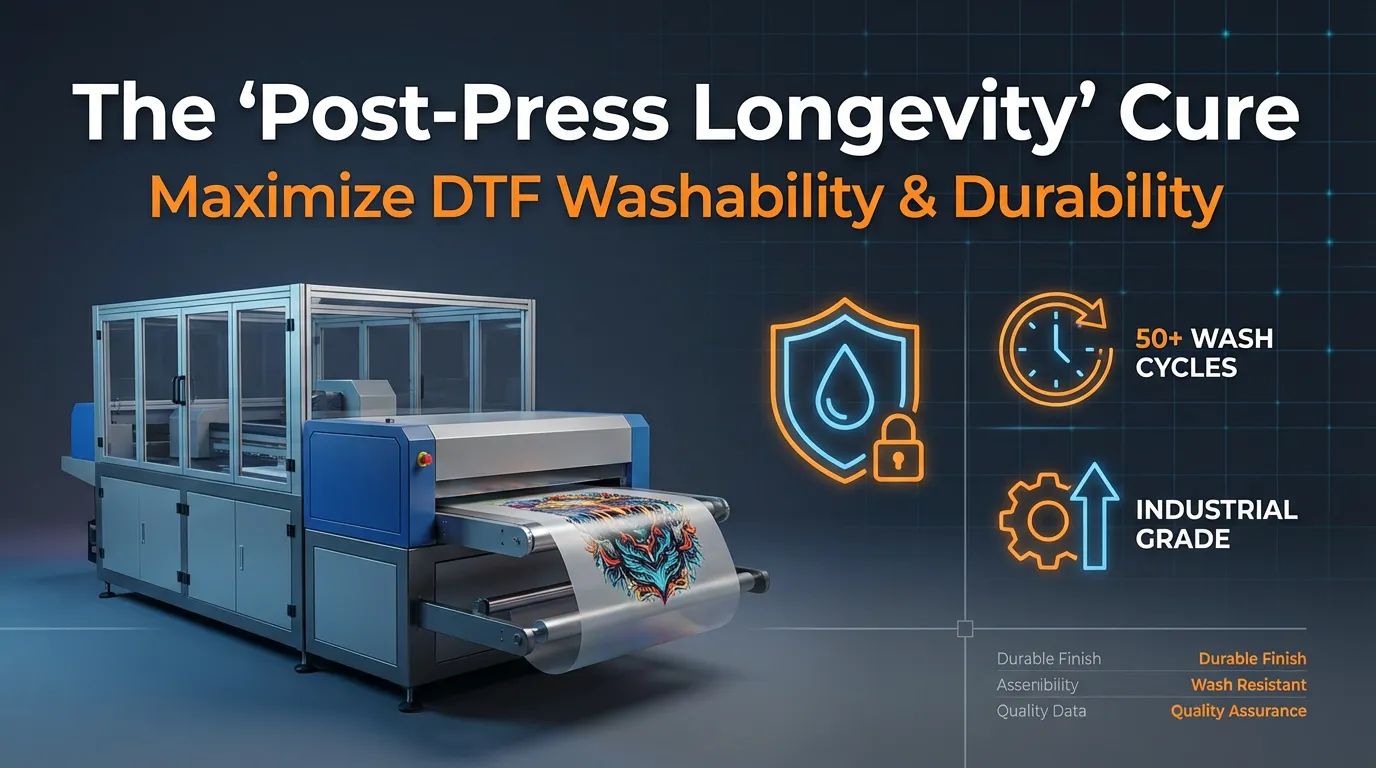
Never Skip the Second Press
Maximize Washability with a Proper Post-Press Cure
One of the most overlooked DTF transfer tips is the final curing step. Many printers assume the process is complete after the initial press and cold peel — but that’s only part of the application process.
Without proper post-press curing, the adhesive hasn’t fully bonded to the garment fibers. This often leads to premature cracking, fading, edge lifting, or peeling after just a few washes.
If you’re learning how to apply DTF transfers correctly, this step is non-negotiable.
The 5-Second Secondary Seal Method
This final press locks in durability and ensures long-term performance.
Step 1: Complete the Cold Peel
Make sure the transfer has cooled properly before peeling. (Refer back to the cold peel timing section above.)
Step 2: Use a Protective Cover Sheet
Immediately after peeling, cover the design with a PTFE (Teflon) sheet or silicone parchment paper. Never press directly onto the exposed print, as this can damage both the transfer and your heat press platen.
Step 3: Apply the Final Cure
Press again for 5 seconds using the same DTF heat press settings (temperature and pressure) as your initial application. This secondary heat cycle fully activates the adhesive and seals it into the fabric.
Why This Matters
When paired with correct pressure calibration and proper pre-press preparation, this final cure dramatically increases wash resistance and overall print lifespan.If you’re using high-quality, properly cured transfers, combining them with this post-press method ensures professional results every time.
Want Consistent, Long-Lasting Results?
Using premium transfers makes a difference. If you’re looking for reliable, ready-to-press designs that respond perfectly to proper DTF heat press settings, explore our DTF transfers and gang sheet options to improve durability and color performance from the start.
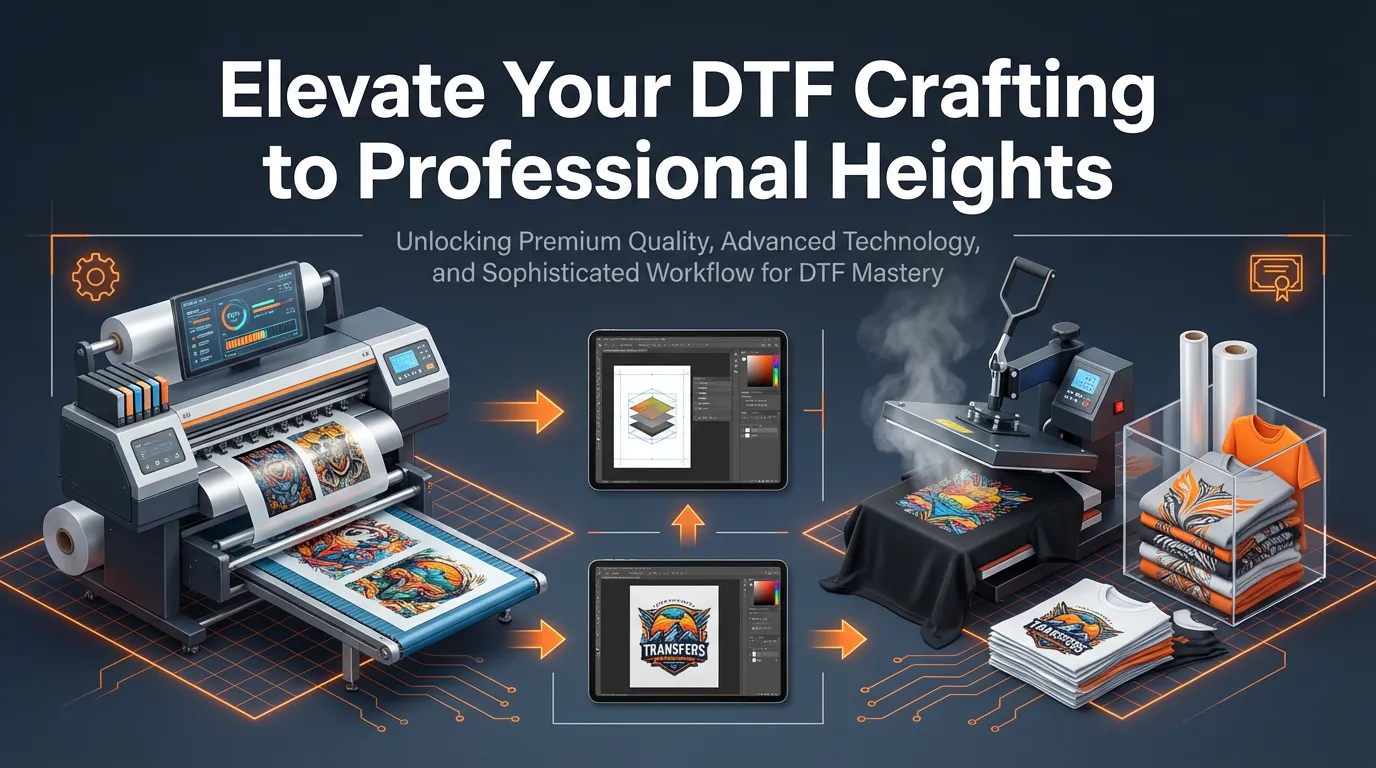
Elevate Your DTF Crafting to Professional Results
By consistently applying these proven DTF transfer tips, you’re not just improving your pressing technique — you’re strengthening the overall quality, durability, and reputation of your print work. From mastering cold peel timing to dialing in pressure and completing the final cure, each step plays a critical role in achieving professional-level results.
When your process is controlled and repeatable, you eliminate common issues like peeling, cracking, and ghosting — and that means fewer wasted transfers and happier customers.
If you’re looking to pair these techniques with high-quality, ready-to-press designs, explore our premium DTF transfers for consistent color, strong adhesion, and long-lasting performance.
By following these expert DTF Transfer Tips, you’re not just improving your workflow — you’re elevating the quality, durability, and consistency of every product you create. These DTF Transfer Tips help you avoid costly mistakes, reduce wasted transfers, and deliver results your customers will trust.
Follow Us for More DTF Tips & Updates: SpeedEtransfers.com
