Description
Upload Your Own Gang Sheet for Professional DTF Printing
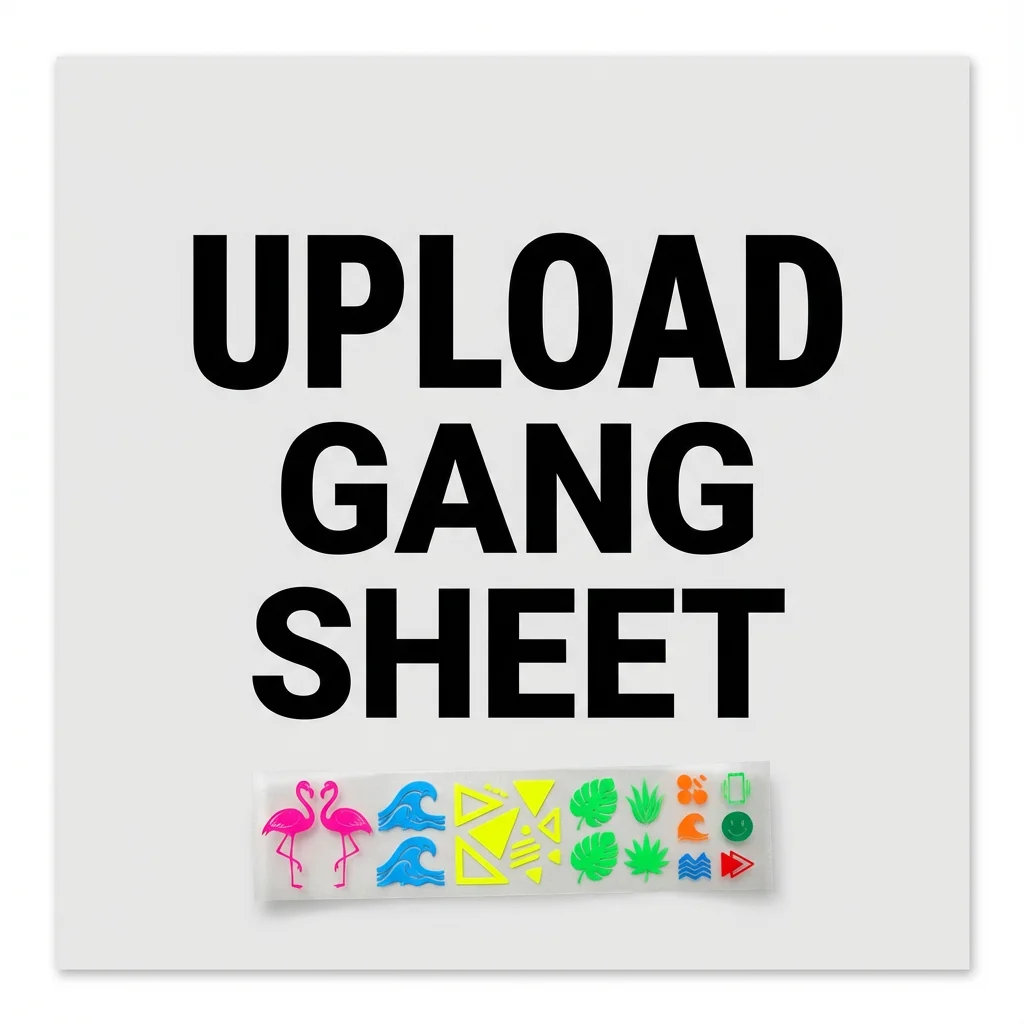
Already have a print-ready design layout? Upload your own gang sheet to SpeedE Transfers for vibrant, ready-to-press DTF transfers. Submit your artwork at the correct dimensions, arrange your designs the way you want them, and make efficient use of your transfer film.
Our upload service is ideal for clothing brands, print shops, Etsy sellers, apparel decorators, and businesses that prepare their own artwork. You control your layout and design placement, while we handle the printing.
Already have your gang sheet ready?
Check your artwork against the file requirements below, select the appropriate sheet size, upload your file, and complete checkout. For the best results, submit a high-resolution PNG file at its intended print size.
IMPORTANT: YOUR GANG SHEET PRINTS AS UPLOADED
Please carefully review your artwork and dimensions before submitting your order.
SpeedE Transfers prints your uploaded gang sheet exactly as it is submitted. We do not automatically resize, stretch, crop, rearrange, or correct your artwork.
- Verify the actual width and height of your gang sheet before uploading.
- Make sure your artwork is created at the intended physical print size.
- Check that your file does not exceed the maximum width of 22.5 inches.
- Confirm that all designs, spacing, and transparent areas are correct.
- Remember that selecting a product size does not automatically correct the dimensions of your uploaded artwork.
Example: If your uploaded file is only 16.67 inches wide, it will be printed according to the dimensions of the submitted artwork, not automatically enlarged to the selected sheet width.
Before completing checkout, make sure you understand and agree that your uploaded artwork will be printed as submitted.
Why Upload Your Own Gang Sheet?
- Control your layout: Arrange logos, sleeve graphics, chest prints, back designs, and other artwork before submitting your file.
- Use your sheet efficiently: Combine multiple graphics in one layout to help reduce unused printing space.
- Streamline production: Print-ready artwork can move into production without needing to build the layout in an online editor.
- Make reordering easier: Keep your original artwork file to reproduce the same layout for future orders.
- Order for your business: Suitable for small apparel runs, customer orders, and larger production batches.
What You Get With Every Gang Sheet Order
- Vibrant, full-color printing: Detailed graphics, photographs, and colorful artwork.
- 6-pass printing process: Professional printing designed for crisp detail and strong color coverage.
- Ready-to-press transfers: Apply to compatible garments using the recommended pressing instructions.
- Versatile fabric applications: Suitable for compatible cotton, polyester, and blended fabrics.
- No garment pretreatment: DTF transfers do not require pretreating the garment before application.
How to Upload Your Gang Sheet
- Prepare your layout. Create your gang sheet using software such as Photoshop, Illustrator, Canva, or another design tool. Arrange your artwork at its intended print dimensions and leave adequate spacing between designs.
- Check your file dimensions. Verify the actual width and height of your completed artwork. Do not assume your file is automatically 22 inches wide.
- Select your size and upload. Choose the appropriate product size, upload your completed PNG file, and review your artwork before checkout.
- Production and shipping. We print your submitted artwork according to the order details. Eligible orders placed before 12:00 PM Central Time, Monday through Friday, may qualify for same-day printing. Orders placed after the cutoff or on weekends generally begin processing the next business day. Shipping and delivery times are separate from production time.
Gang Sheet File Requirements
IMPORTANT: PNG FILES ONLY
Our Upload Your Own Gang Sheet option currently accepts PNG (.png) files only. Please convert your artwork to PNG before uploading. JPG, JPEG, TIFF, PDF, SVG, PSD, and other formats are not accepted through this upload option.
Prepare your artwork using the following guidelines before uploading:
- Resolution: 300 DPI minimum recommended.
- Accepted file type: PNG (.png) only.
- Background: Use transparency where needed. Artwork is printed as submitted.
- Maximum width: 22.5 inches.
- Color profile: CMYK recommended; screen colors may differ from printed results.
- Mirroring: Do not mirror the artwork unless your order-specific instructions require it.
- Spacing: Leave sufficient space between designs for easier trimming.
CHECK YOUR GANG SHEET DIMENSIONS BEFORE CHECKOUT
Your uploaded PNG file has its own actual dimensions. The selected product size and the dimensions of your artwork must be checked separately.
Important: Selecting a sheet height determines the height option you are ordering. It does not automatically resize your uploaded artwork to that height or width.
For example, a file measuring 16.67 inches wide will not automatically become 22 inches wide simply because you selected a 22-inch product option.
Please verify both the width and height of your artwork in your design software before completing your purchase.
Before uploading, avoid these common file issues:
- Low-resolution or pixelated graphics.
- Opaque backgrounds that you intended to be transparent.
- Semi-transparent edges or stray pixels that may produce unwanted artifacts.
- Incorrect artwork dimensions or spacing.
For help choosing transfer dimensions, refer to our Merchant DTF Sizing Guide.
Pressing Instructions for DTF Transfers
SpeedE Transfers Pressing Standard
For our current film, press at 293°F (145°C) for 12 seconds.
- Cotton: Use firm, even pressure and an instant/hot peel.
- Polyester and blends: Use medium pressure and a warm peel.
Always follow any product-specific instructions supplied with your order.
See our DTF Heat Press Temperature Chart for additional guidance.
Why Choose SpeedE Transfers?
SpeedE Transfers provides DTF printing services from Austin, Texas, for clothing brands, print shops, schools, promotional companies, and small businesses across the United States.
- Simple ordering: Submit your print-ready file online.
- Customer support: Call (512) 799-0115 if you need help with your order.
- No minimums or setup fees: Order according to your project needs, subject to the options available on the product.
- Print issue support: Contact us if you experience a printing or adhesion issue so we can review the problem under our applicable print guarantee.
Related DTF Products and Resources
Already have your workflow established? Explore our other products and resources to find the ordering method that fits your project.
- Build Your Gang Sheet Online: Use our online DTF Gang Sheet Builder to upload and arrange individual designs in your browser if you do not already have a completed layout.
- DTF By The Inch: Choose our DTF By The Inch option when you need a specific amount of transfer film.
- Custom DTF Transfers: Order Custom DTF Transfers for individual logos or designs instead of a full gang sheet.
- UV DTF Transfers: Explore UV DTF Transfers for compatible hard surfaces such as glass, metal, plastic, acrylic, tumblers, and packaging. UV DTF transfers use a different application process and do not require an apparel heat press.
- Heat press guidance: Review our DTF Heat Press Temperature Chart for pressing temperature, pressure, peel method, and finishing guidance.
- Transfer sizing: Use our Merchant DTF Sizing Guide to choose practical dimensions for common apparel applications.
Frequently Asked Questions
What is the difference between uploading a gang sheet and using the builder?
Uploading is for customers who already have a completed, print-ready layout. The online builder is for customers who need to arrange individual designs before ordering.
Can I combine different design sizes on one sheet?
Yes. You can combine large and small designs in your layout, provided the completed artwork fits within the selected sheet dimensions and file requirements.
Will SpeedE Transfers automatically resize my uploaded gang sheet?
No. Your uploaded artwork is printed as submitted. We do not automatically resize, stretch, crop, or rearrange your artwork. Please verify your file dimensions before ordering.
What happens if my uploaded gang sheet is smaller than the selected size?
Your artwork will be printed according to the dimensions of the submitted file. Selecting a product size does not automatically enlarge your artwork. For example, if your file is 16.67 inches wide, it will not automatically be enlarged to match the selected sheet width. Always verify your dimensions before checkout.
What happens if my artwork has an issue?
Files are generally printed as submitted. Low resolution, incorrect dimensions, unwanted backgrounds, and other artwork problems can affect the finished result. Review your file carefully before placing your order. Contact us if you believe a print issue occurred during production.
What temperature and pressing time should I use?
For our current film, use 293°F (145°C) for 12 seconds. Use firm, even pressure with an instant/hot peel for cotton. For polyester and blends, use medium pressure with a warm peel. Follow any product-specific instructions supplied with your order.
How long do DTF transfers last?
Transfer longevity depends on correct application, garment compatibility, and care. Follow the pressing and garment-care instructions provided with your order.
What fabrics can I use?
Our DTF transfers are suitable for compatible cotton, polyester, and blended fabrics. Garment pretreatment is not required, but the correct pressing method depends on the material.
What file format do you accept for Upload Your Own Gang Sheet?
We currently accept PNG (.png) files only for this upload option. JPG, JPEG, TIFF, PDF, SVG, PSD, and other file formats are not accepted. Please convert your artwork to PNG before uploading.
How should I prepare my file?
Use a high-resolution PNG file, check the intended print dimensions, use transparency where needed, and verify that the file meets the maximum-width requirements listed above.
Ready to Upload Your Gang Sheet?
Submit your completed gang sheet to SpeedE Transfers for professional DTF printing. Whether you're preparing apparel for your own brand, fulfilling customer orders, or managing a print shop, our upload service makes it easy to submit your layout online.
Choose your sheet size, upload your artwork, and complete your order. Same-day printing may be available for eligible orders placed before 12:00 PM Central Time, Monday through Friday, with nationwide shipping available.
Need assistance? Call (512) 799-0115.
Artwork disclaimer: SpeedE Transfers prints submitted artwork as provided. We are not responsible for print results caused by low-resolution images, transparency errors, incorrect dimensions, or files that do not meet the published requirements. Please review your file carefully before ordering.
Upload Your Own Gang Sheets at Wholesale Pricing
Are you a professional print shop or apparel decorator? If you regularly order gang sheets, request wholesale pricing to explore options for your business and production volume.
Request Wholesale PricingFrequently Asked Questions About DTF Gang Sheets
Do you resize my DTF gang sheet file after I upload it?
No. We print your DTF gang sheet exactly as it is uploaded. Please make sure your file is built at full print size and set to 300 DPI before submitting. We do not automatically resize, scale, or modify artwork once it enters production.
If you need help arranging your designs, use our Gang Sheet Builder before checkout.
Will you adjust or fix my gang sheet layout?
No. Your layout is printed exactly as submitted. Please double-check spacing, alignment, and sizing before uploading. We do not reposition graphics, remove backgrounds, or correct low-resolution files unless requested prior to production.
For best results, upload a high-resolution transparent PNG.
What happens after I upload my gang sheet?
Once you upload your gang sheet and complete checkout, your file goes directly into our production queue. We print and cure your DTF transfers using professional-grade film and inks, then prepare your order for shipping or local pickup.
You’ll receive confirmation and tracking information once your order is ready.
Do you include DTF pressing instructions?
Yes! Every order includes our recommended heat-pressing instructions to help you achieve the best results with your DTF transfers.
SpeedE Transfers – Recommended Pressing Instructions
For our current DTF film, use the following pressing settings:
Temperature: 293°F (145°C)
Press Time: 12 seconds
Cotton Garments: Use firm, even pressure and an instant/hot peel.
Polyester and Blends: Use medium pressure and a warm peel.
Always follow any product-specific pressing instructions supplied with your order.
For additional guidance, see our DTF Heat Press Temperature Chart.
Following the recommended settings helps achieve strong adhesion, vibrant colors, and durable DTF transfers.
What is your turnaround time for gang sheet printing?
We specialize in fast DTF gang sheet production. Most orders are ready the same day or next business day depending on the time your order is placed and current production volume.
We move fast so you can keep printing.
What gang sheet sizes do you offer?
We offer multiple gang sheet lengths at a standard 22.5” width. Select the length that fits your layout needs — whether you’re printing small logo runs or maximizing a full production sheet.
Our goal is to help you maximize space and reduce cost per design.
Reviews
There are no reviews yet.