🚚 MONDAY–FRIDAY • Same-Day Shipping Cut-Off: 12:00 NN CST • 🏪 Orders placed after 12:00 NN qualify for Same-Day Local Pickup (when available). • 📞 (512) 799-0115

UPDATED PRESSING INSTRUCTIONS:DTF transfers should now be pressed at 145°C (293°F) for 12 seconds. VIEW UPDATED PRESSING INSTRUCTIONS →

Press smarter • waste less

DTF transfer tips for perfect presses.

Use these DTF transfer tips to control moisture, pressure, placement, peeling, and the final seal with a repeatable workflow that makes every shirt look professionally finished.

PRE-PRESS ✦ ALIGN ✦ PRESS ✦ PEEL ✦ SECOND PRESS
🔥

What is the best DTF transfer tip?

The best DTF transfer tips begin with the instructions supplied with your specific transfer. Then control all five variables: a dry, lint-free garment; an accurate platen temperature; even pressure; the correct press time; and the specified peel method. Finish with the recommended covered second press. Consistency matters more than guessing from a generic setting.

Five production wins

Small habits. Big difference.

These DTF transfer tips address the preparation and application details that most often determine whether a print bonds cleanly.

1

Pre-press every garment

A short pre-press helps remove moisture and wrinkles. Lint-roll the print area afterward so fibers cannot interrupt adhesion.

2

Verify actual temperature

The display is a target, not proof. Check the platen in several locations with suitable temperature-testing tools and recalibrate when needed.

3

Make pressure even

Seams, collars, pockets, and platen wear create uneven contact. Use a pressing pillow or reposition the garment when raised areas interfere.

4

Align before heat

Find the garment center, measure from stable reference points, and use heat-resistant tape to keep the film from shifting.

5

Respect the peel

Hot, warm, and cold-peel films behave differently. Peel smoothly at the instructed temperature and stop if the image lifts.

✨

Bonus: seal the finish

After peeling, cover the print and complete the recommended second press. This improves bonding and controls the final surface texture.

Repeatable workflow

From blank shirt to finished print

Put the DTF transfer tips into a documented workflow so every operator follows the same sequence from inspection through final finishing.

Inspect

Confirm garment compatibility, transfer orientation, size, and print quality before heating anything.

Prepare

Thread the garment when possible, flatten the print zone, pre-press, and remove lint.

Place

Center the transfer, measure the offset, and tape it securely without covering printable areas.

Press

Use the supplier’s temperature, time, and pressure. Keep the platen closed for the full uninterrupted cycle.

Peel

Follow the film’s hot, warm, or cold-peel requirement. Pull low and steadily rather than sharply upward.

Finish

Cover with approved parchment or finishing paper, second-press as directed, then inspect all edges.

Before a production run: Apply these DTF transfer tips to one test transfer on the exact garment style and color. Record the successful temperature, time, pressure, peel, cover sheet, and second-press method so every operator repeats the same process.

Settings without guesswork

Use the transfer instructions as the source of truth

Among the most important DTF transfer tips is to validate the supplied settings on your own equipment. Films, adhesives, inks, garments, and presses vary, so a universal number cannot account for every combination.

VariableWhat it controlsUseful check
TemperatureAdhesive activation and garment responseMeasure the platen across its surface; watch heat-sensitive fabrics
TimeHow long heat reaches the adhesiveUse the full cycle without opening early
PressureContact between transfer, adhesive, and fibersCheck even resistance at multiple platen points
PeelWhen film releases cleanlyFollow hot, warm, or cold instructions exactly
Second pressFinal bond and textureUse an approved protective sheet and specified time

Infrared thermometers can be useful for comparisons, but emissivity and reflective surfaces affect readings. Temperature strips or a calibrated contact probe can provide a stronger platen check.

Save the shirt

Fast DTF troubleshooting

Use these DTF transfer tips to isolate one variable at a time before changing temperature, time, and pressure together.

ProblemCommon causeTry this
Edges lift during peelToo little heat, time, pressure, or incorrect peel timingLay film back down, cover, repress briefly, cool/peel as directed
Patchy adhesionUneven pressure, seam interference, moisture, or lintLevel the print area and confirm platen pressure
Film shifts or ghostsMovement during pressing or peelingSecure with heat tape and peel in one controlled motion
Shiny press boxHeat/pressure mark or unsuitable cover sheetReduce exposure within approved settings and test another finish sheet
Dye migrates into printPolyester dye activated by heatUse compatible low-temperature/blockout products and test first
Print cracks when stretchedIncomplete bonding, overapplication, or excessive stretchReview settings, second press, and garment compatibility
Peels after washingWeak initial bond, early wash, high heat, or harsh careCorrect application and supply clear wash instructions

Placement made simple

Measure once, press confidently

Placement-focused DTF transfer tips make repeat orders straighter, faster, and more consistent across garment sizes.

↕️

Create a center line

Fold the garment vertically and make a very light temporary crease. Use it as the design’s center reference.

📏

Use consistent anchors

Measure from the collar seam, pocket, sleeve seam, or established center—not from a shifting hanger edge.

📌

Document placements

Save measurements by garment style and size. Templates speed up repeats while reducing crooked or inconsistent orders.

After the press

Help the transfer last

Post-press DTF transfer tips protect adhesion by combining a complete quality check with clear customer care instructions.

Customer care card

  • Allow the recommended cure period before washing
  • Turn the garment inside out
  • Wash cold with mild detergent
  • Avoid bleach and harsh chemicals
  • Air-dry or tumble dry low
  • Do not iron directly on the design

Production quality check

  • Inspect every edge after the second press
  • Confirm alignment and orientation
  • Stretch gently only when appropriate
  • Separate finished garments after cooling
  • Keep a test sample from important runs
  • Record any setting adjustments

Helpful references

Production and care resources

For additional context alongside these DTF transfer tips, review the U.S. Consumer Product Safety Commission's guidance on wearing-apparel requirements and the Federal Trade Commission's guide to care labeling.

Press room answers

DTF transfer tips FAQs

These frequently asked DTF transfer tips cover preparation, pressing, peeling, troubleshooting, and garment care.

Do I need to pre-press a shirt?

Yes. A short pre-press can remove moisture and wrinkles. Follow with a lint roll before placing the transfer.

What temperature should I use?

Use the temperature provided with your specific transfer. Different adhesive and garment systems may require different temperatures.

How much pressure does DTF need?

Use the supplier’s stated pressure, applied evenly. Calibrate your press and prevent seams or collars from lifting the print area.

Should I hot peel or cold peel?

Use the peel method specified for the film. Peeling at the wrong temperature can lift the design or distort its finish.

Why is my DTF transfer not sticking?

Common causes include low actual temperature, insufficient time or pressure, moisture, lint, uneven contact, and an incorrect peel.

Can I repress a lifting transfer?

Often, yes. Replace the carrier if still available, cover the area, and repress briefly using compatible settings. Test before treating a full order.

Is a second press necessary?

Use the production instructions. Many DTF systems recommend a covered second press to strengthen the final bond and set the finish.

Can I use a household iron?

A heat press offers more accurate, even temperature and pressure. An iron has hot spots and makes consistent commercial results difficult.

Why did my print ghost?

The film or garment probably moved while hot. Tape the carrier securely and peel with a smooth, controlled motion.

How soon can I wash a DTF shirt?

Follow the transfer supplier’s curing and care guidance. Waiting before the first wash gives the adhesive time to stabilize.

Do all fabrics use the same settings?

No. Cotton, polyester, blends, performance fabric, and coated garments respond differently to heat and may require compatible products or testing.

How can I prevent crooked designs?

Create a center reference, measure from stable seams, use a placement guide, and secure the transfer with heat-resistant tape.

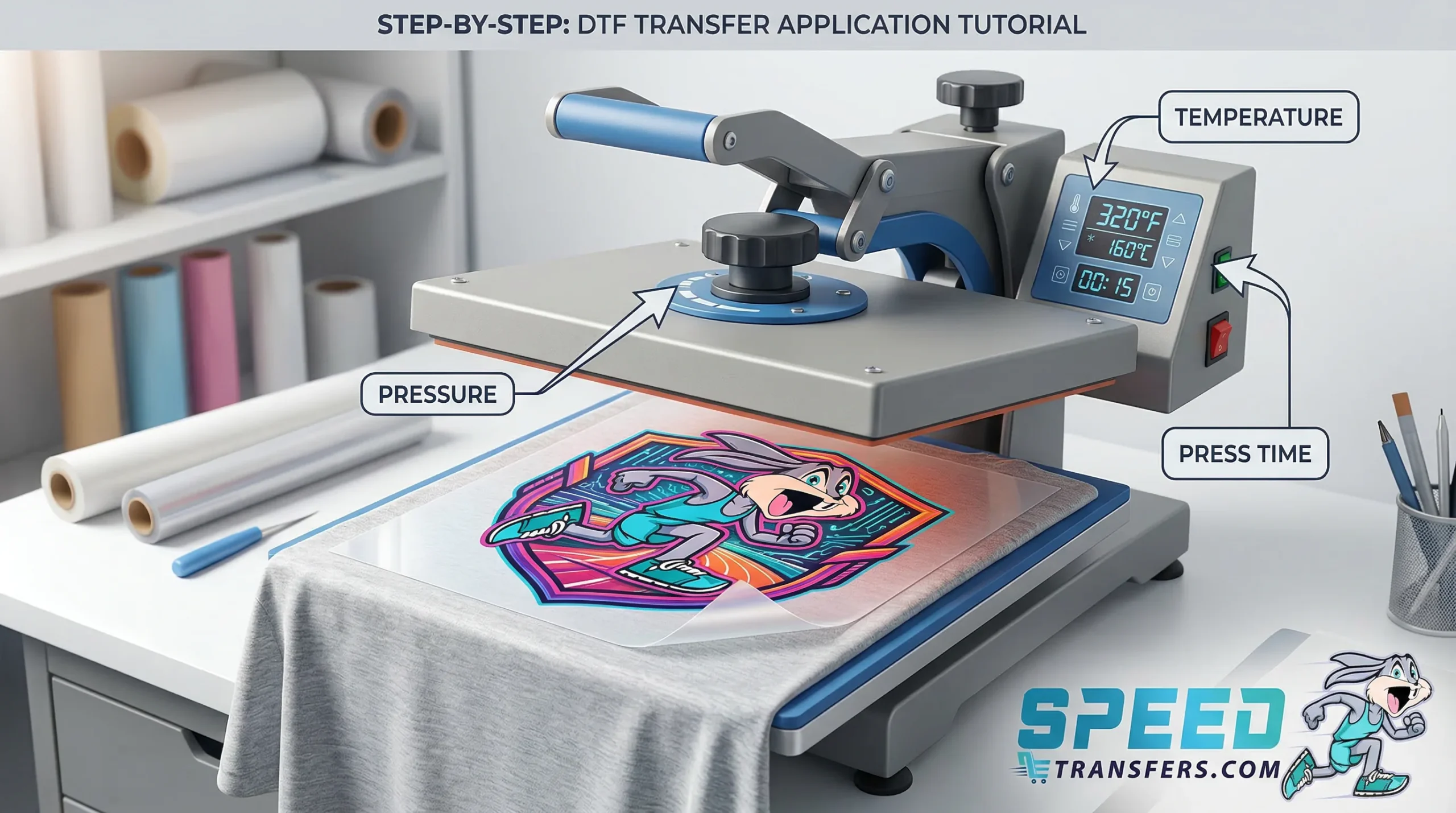
Ready for the press?

Start with transfers made to perform.

Use these DTF transfer tips as your production checklist, then build a gang sheet, upload your finished layout, or review the complete application guide before your next run.