
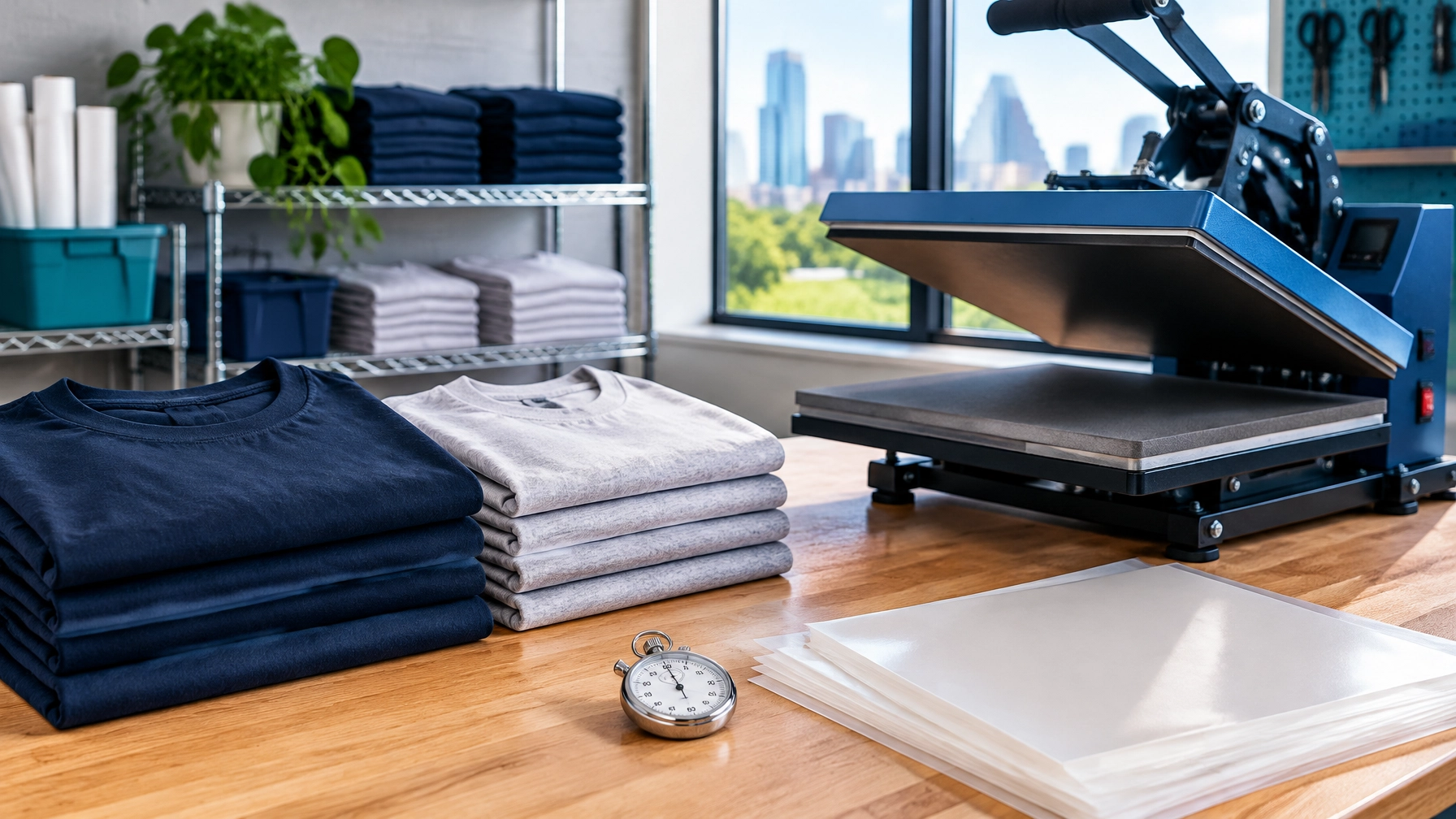
How many shirts you can press in a day has no single universal answer. Your real output depends on the full time it takes to complete each piece, including handling, not just the seconds the press is closed. If you run a print shop or apparel brand, measure that full workflow before you promise a deadline.
> Quick answer: To work out how many shirts you can press in a day, divide the minutes you can realistically devote to pressing by your measured minutes per completed shirt. Include loading, positioning, peeling, cooling, stacking, setup, and interruptions. Time a representative batch, then reserve a buffer for reprints and delays. Your own measurements, not a general benchmark, are the useful capacity number.
Why is there no single answer to how many shirts you can press in a day?
The answer depends on your shop’s workflow, the garments, and how much of the shift is actually available for production. Anyone quoting one figure for how many shirts you can press in a day is describing their own setup, not yours. Two shops with similar presses can have very different output because their handling and staging time differ.
Factors that change your daily DTF production capacity include:
- How many pieces fit in each press load
- Garment style and construction, including seams and curves
- Transfer size and how easily it can be positioned
- Peel method and the time needed for the transfer to cool
- Whether one operator loads, presses, peels, and stacks
- How close blanks and matched transfers are to the press
- Time spent on setup, messages, packing, and shipping
The press cycle is only one part of the job. A shop that counts only that cycle may promise more than its operator and workflow can complete. That gap is why two shops answering how many shirts you can press in a day can both be honest and still give completely different numbers.
How do you calculate how many shirts you can press in a day?
Use this basic formula for how many shirts you can press in a day: usable pressing minutes ÷ measured minutes per completed piece = theoretical output. Then reduce that number by a planning allowance for normal interruptions, reprints, and changes between jobs.
“Usable minutes” means the time left for pressing after you subtract work that takes the operator away from the press. “Handling time” is the time spent preparing, moving, and finishing each piece. “Throughput” is the number of good, completed pieces produced in a period.
Time your first 20 representative pieces with a stopwatch. Separate the press cycle from handling where you can, and record setup time separately. Timing 20 pieces gives a more useful picture than timing three, which can be dominated by one unusually easy or slow piece. Once you have that figure, you have a defensible answer to how many shirts you can press in a day for that job type.
If some tasks overlap, don’t blindly add their times together. Time the full batch from its start to its last completed piece, then divide by the number of good pieces. That captures the actual elapsed pace. For general background on separating setup and operation time in a work center, see Microsoft’s overview of work and machine centers.
How long does it take to press one DTF transfer?
There is no reliable universal time per transfer. Your DTF pressing time per shirt depends on your measured press cycle, handling, garment, transfer, peel process, and whether work can overlap.
For a single job, record the time from the first piece you start to the last good piece you finish. Note the number of completed shirts, any reprints, and any pauses. Divide elapsed production minutes by good shirts to get a practical average for that job type. That average is the input that ultimately decides how many shirts you can press in a day.
Use the same method for comparable jobs. A flat tee run may not predict a run of garments with seams or curves, where positioning can take longer. For application steps, refer to our guide on how to apply DTF transfers. Keep the focus here on measuring elapsed production time, not changing application settings.
Where does the time actually go?
The most common capacity losses happen outside the press cycle. Look for repeated handling, searching, rework, changeovers, and tasks that pull the operator away from production. Each of the six below quietly reduces how many shirts you can press in a day, and none of them shows up in a press cycle figure. If you only fix one, fix staging.
1. Loading and positioning
A flat garment and a garment with seams or curves may not take the same time to prepare. Record handling time by garment group rather than assuming one average fits every job. A shop pressing flat tees and a shop pressing seamed jerseys are not comparing like figures when they discuss how many shirts you can press in a day. Our DTF transfer size chart can help you assess how transfer dimensions may affect handling, but it is not a pressing-speed chart.
2. Peeling and cooling
A hot-peel and cold-peel workflow can create different rhythms across a batch. Follow the transfer’s application guidance, then measure the actual elapsed time for your process. Don’t assume peel time disappears because the press has opened.
3. Staging the right materials
Searching for a transfer or the right blank during a run interrupts the operator. Match the garments and transfers before production begins, and keep the next pieces within reach.
4. Reprints and rejects
A piece that needs to be repeated uses press time that wasn’t in the original count. Record reprints separately so you can see whether they are occasional or a regular part of that job type.
5. Setup between jobs
Changes in garment style, colour, or transfer size can require a pause to reorganize the work area. Track changeover time instead of hiding it inside a per-piece estimate.
6. Work that isn’t pressing
Sorting, folding, tagging, packing, and answering messages all use time if the same person handles them. Budget for that work honestly, because a target for how many shirts you can press in a day that assumes zero admin time is not a target, it is a wish. If hot conditions are a concern in your workspace, don’t remove appropriate rest or recovery time from the schedule to meet a target; consult OSHA’s heat-exposure guidance for workers.
Why does batching improve heat press throughput?
Batching means grouping similar pieces so you repeat fewer setup and handling steps. Pressing a group of identical pieces back to back often reduces repeated work compared with switching jobs for every shirt.
A useful sequence is to group by garment style, then colour, then transfer size, and the effect on how many shirts you can press in a day compounds across a shift. Keep each group together in a matched kit: the blanks, transfers, and order details needed for that run. This reduces searching and helps catch missing pieces before the press starts. On most shop floors, batching moves how many shirts you can press in a day more than any equipment upgrade does.
Batching has a trade-off: one missing blank or transfer can disrupt a larger run. Check quantities and match each kit before production. Shops handling team or roster orders can use the same principle by sorting each order into kits before pressing begins.
Worked example: how many shirts can you press in a day?
This example is hypothetical. Replace every input with your own measured numbers. It shows why press-cycle-only math can overstate how many shirts you can press in a day.
Assume a shop has an eight-hour shift, or 480 minutes. In this example, 120 minutes are set aside for breaks, messages, setup, and other non-press work, leaving 360 usable minutes.
Assume, for illustration only, a 45-second press cycle and 60 seconds of handling per shirt. The example treats those times as sequential, so the assumed total is 105 seconds, or 1.75 minutes per completed piece.
These figures are examples, not SpeedE production data or industry benchmarks. If your handling overlaps with the press cycle, time the full batch and use its measured elapsed time instead of adding the two figures. The difference between the press-only estimate and the more complete estimate is exactly why deadlines slip when shops count only press time. The defensible answer to how many shirts you can press in a day sits near 175 in this example, not 480.
How do you quote a deadline you can actually keep?
Base your promise on a normal, measured day, not your best-ever run. Start with the output from comparable jobs, reserve time for reprints and interruptions, and state when the order must be ready to enter production. If you cannot state how many shirts you can press in a day for that job type, quote a range and explain what would confirm the date.
For production planning for t-shirt orders, use a short, clear schedule:
- Confirm the blank and transfer quantities before assigning a production date.
- Group compatible work and estimate it using your measured time for that job type.
- Leave capacity for reprints and normal interruptions.
- Set a customer cut-off for changes or materials.
- Give a completion date based on the schedule, not the theoretical maximum.
- Write the assumed daily output into the quote, so the figure behind your promise for how many shirts you can press in a day is visible to whoever schedules the order.
Be clear about the difference between printing transfers and pressing shirts. SpeedE Transfers offers same-day printing for qualifying orders placed before 12 PM CST. That refers to printing the transfers; it does not mean your shop’s shirts will be pressed that day. Your pressing time and shipping time are separate.
When do you need another press day, not a faster press?
A second press day may be the more reliable plan when the queue never clears, jobs regularly run late, only one person can operate the press, or reprints consume the time reserved for new work.
Options include splitting volume across two shorter press sessions, preparing matched kits in advance, scheduling orders on different days, or quoting a longer turnaround. All four raise the real figure for how many shirts you can press in a day without buying anything. Some shops also choose to buy transfers rather than print them in-house, removing a category of printing maintenance and colour-management work. It is one possible workflow choice, not a fix for every capacity problem.
For a print shop exploring outside transfer printing, see the SpeedE Transfers printing partner information.
The number most shops never measure
The press cycle is the easiest number to notice, but it may be the smallest part of the real time per completed shirt. Most shops can recite a press cycle and still cannot state how many shirts you can press in a day with any confidence. In many workflows, the operator, not the press, is the limiting resource, especially when that person also answers messages and packs orders.
Separating those tasks for part of a shift may help, but measure the result instead of assuming it will. A job estimated from press time alone is especially likely to miss its date when garment handling takes longer. One timed batch of 20 representative pieces can be more useful than a general benchmark; remeasure after you change the workflow.
If your shop cannot name its measured time per completed piece, treat any turnaround promise as an estimate, not a commitment.
Common capacity-planning mistakes
Avoid these errors when estimating how many shirts you can press in a day:
- Using a best-case run as the standard. Plan from a typical comparable job.
- Counting the whole shift as available. Subtract the work that is not pressing.
- Timing too few pieces. Measure a representative batch and note the job type.
- Mixing unlike jobs into one average. Curved, seamed, or differently staged garments may take longer to handle.
- Treating reprints as impossible. Track them and keep a reserve.
- Confusing transfer printing with garment pressing. They are separate production steps with separate schedules.
For additional general technique guidance, consult our DTF transfer tips. Keep your own settings reference separate from this capacity calculation.
A capacity worksheet you can use today
Follow these steps to estimate how many shirts you can press in a day, and your heat press throughput, without building a spreadsheet:
- Time a representative run of 20 pieces with a stopwatch.
- Record the press cycle and handling time separately where possible.
- Note setup and changeover time as their own entries.
- Count your actual usable pressing minutes for the day.
- Divide usable minutes by measured elapsed minutes per good piece.
- Reserve capacity for reprints, interruptions, and job changes.
- Recheck the estimate after changing the garment mix, staging, or workflow, and restate how many shirts you can press in a day each time.
FAQ: pressing capacity and deadlines
How many shirts can you press in a day with DTF?
There is no dependable single number for every shop. Measure the elapsed time for a representative batch, including handling, then divide the minutes you can actually devote to pressing by the measured minutes per good shirt. Reduce the result to allow for setup, reprints, and interruptions. The result is specific to your workflow and the jobs you measured.
How long does it take to press one DTF transfer?
The time varies by press cycle, handling, garment, transfer, and peel process. Time a batch rather than relying on a single piece: record total elapsed production time and divide by the number of good completed shirts. This gives you a working average for that type of job, and a pace you can convert into how many shirts you can press in a day. Measure again if the garment or workflow changes.
Can one person run a heat press and peel at the same time?
That depends on the press, the transfer process, the operator’s workflow, and whether tasks can safely and practically overlap. Don’t assume both steps happen at once. Time the actual sequence with the person and job setup you plan to use, and include any pauses or movement between tasks in your capacity estimate.
Does a bigger press press more shirts per hour?
Not automatically. A larger press may accommodate a different load, but output still depends on the job, the number of pieces you can handle in a load, positioning, and operator time. Measure completed pieces over the same run type before changing your estimate of how many shirts you can press in a day. Compare measured completed pieces over the same type of run rather than assuming press size alone predicts daily output.
How many shirts should I commit to for a deadline?
Commit to a quantity your measured capacity can support on a normal day, after subtracting non-press tasks and reserving time for variability. That is the only reliable basis for how many shirts you can press in a day before a deadline. Use figures from similar jobs, not your fastest run. If the order mix or handling is unfamiliar, allow more time or schedule a representative test batch before confirming a firm deadline.
Does same-day printing mean my shirts are pressed the same day?
No. Same-day printing describes the transfer-printing service, not the time required for your shop to press garments. SpeedE Transfers offers same-day printing for qualifying orders placed before 12 PM CST. Your pressing schedule, order readiness, and shipping time are separate considerations.
How do I speed up pressing without ruining quality?
Start by removing avoidable searching and switching: stage the correct blanks and transfers, group similar jobs, and measure where time is being lost. Follow the transfer’s application instructions and verify that your workflow produces acceptable results. Don’t skip required steps to chase a higher count; speed is useful only when completed pieces meet your quality standard.
Is it faster to batch by size or by design?
It depends on how your shop handles each job. Grouping by garment style, colour, and transfer size can reduce repeated setup and searching, but the best sequence is the one that minimizes your measured changeover time without delaying due dates. Test both for a week and compare how many shirts you can press in a day under each. Keep each group matched and check quantities before starting the batch.
Conclusion: measure how many shirts you can press in a day
To determine how many shirts you can press in a day, measure the time per completed piece, including handling, then divide your real pressing minutes by that figure. Reserve time for interruptions and reprints, and quote from a normal day rather than a record run. Revisit how many shirts you can press in a day whenever the garment mix or the team changes.
If you want to keep your press area focused on pressing, you can order custom DTF transfers from SpeedE Transfers, or build a gang sheet or upload a finished gang sheet. SpeedE is a family-owned Austin, Texas business run by Chris and Yuliana Garcia, with more than 20 years of printing experience. The company prints in Texas, offers no minimums, gang sheets starting at $10, 6-pass high-resolution printing, and 50+ wash durability when transfers are properly applied and cared for. Qualifying orders placed before 12 PM CST may be printed the same day; Austin pickup and nationwide shipping are available. Same-day transfer printing does not include your shop’s pressing time or shipping.