

Looking for the best DTF gang sheet sizing guide? Whether you’re running a clothing brand, Etsy shop, or print business, maximizing every inch of your DTF gang sheet can reduce costs and increase profits. This guide will show you how to size, arrange, and optimize your gang sheets for the best results.
If you are running a clothing brand or an Etsy shop, you know that every inch of film equals profit. Direct-to-Film (DTF) printing has revolutionized the custom apparel industry, but the real secret to scaling your business lies in mastering the dtf gang sheet.
DTF Gang Sheet Sizing Guide: How to Choose the Right Size
A gang sheet is essentially a large canvas where you “gang” multiple designs together into one single print file. Instead of paying for individual transfers, you pay for the space on the sheet. At SpeedE Transfers, our gang sheets start at just $10, making it the most cost-effective way to get high-quality, 6-pass resolution prints for your brand.
This guide will show you how to treat your gang sheet like a game of Tetris, maximizing every square inch to save you money and speed up your production.
Why Gang Sheets are the Secret to Profitability
For small businesses and print shops, the goal is to lower the “cost per print.” When you order custom DTF transfers individually, you often pay a premium for the labor of cutting and handling small pieces.
By building your own dtf gang sheets, you take control of the layout. This allows you to fit neck labels, sleeve logos, and chest pieces into the “dead space” that would otherwise go to waste.
The SpeedE Advantage:
- Pricing: Gang sheets starting at $10.
- Speed: Order before 12 PM CST for same-day printing.
- Local: Austin local pickup is available at our Texas facility (we never outsource).
- Quality: 6-pass high-resolution printing for colors that pop and last 50+ washes.
Step 1: Prepare Your Artwork Correcty
Before you even open your design software, your individual files must be ready. If your artwork isn’t optimized, you’ll waste time and space on the sheet.
1. Use 300 DPI Resolution
Never use screenshots or low-resolution images. To ensure your prints are crisp and vibrant, every design on your sheet should be 300 DPI at its final print size. Low-resolution files lead to pixelated edges that can ruin a garment.
2. Transparent Backgrounds are Mandatory
Ensure every design is a transparent PNG or a vector file (AI, EPS, SVG). If your file has a white box around it, the printer will print that white box. Our artwork consideration guide covers these technical requirements in detail.
3. Crop Tight to the Design
One of the biggest mistakes is leaving “invisible” transparent padding around your logo. Crop your design as tightly as possible to the actual pixels. This allows you to tuck other designs much closer together on the sheet.

Step 2: Choosing Your Optimal Sheet Size
We offer various lengths, all maintaining a standard 22-inch printable width. When planning your layout, always account for a small safety margin.
- Safety Margins: Leave at least 0.25 inches of empty space on all four edges of the sheet. This prevents your designs from getting clipped during the printing process and allows the printer’s rollers to grip the film securely.
- Standard Width: While the film is slightly wider, your “safe zone” for artwork is 22 inches.
Step 3: Mastering the “Tetris” Layout Strategy
Maximizing a dtf gang sheet requires a strategic approach. Don’t just drop files in randomly; follow the “Anchor and Fill” method.
The “Anchor” Method
Place your largest designs first. These are usually your full-back or full-front graphics (typically 10″ to 12″ wide). These “anchors” take up the most real estate and dictate where everything else can go.
Fill the Gaps (Nesting)
Once your large designs are placed, look for the empty spaces between them. This is where you place:
- Neck Labels: Usually 2″ to 3″ wide.
- Sleeve Logos: Usually 2.5″ to 3.5″ wide.
- Hat Heat Transfers: Smaller 4″ designs.
- Pocket Hits: 3.5″ to 4″ designs.
Rotate and Flip
Don’t feel obligated to keep every design upright. If rotating a sleeve logo 90 degrees allows it to fit into a narrow gap next to a large back print, do it. As long as the designs don’t overlap, they will print perfectly.
Spacing Rules
Leave a 3mm to 5mm (approx. 0.15″) gap between designs. This is enough space to allow you to cut the transfers apart with scissors or a paper trimmer without accidentally cutting into the neighboring design.
Standard Sizing Reference for Gang Sheets
To help you plan, here are the most common commercial print sizes used by our merchant partners. For a full breakdown, check our Merchant DTF Sizing Guide.

Common Gang Sheet Mistakes to Avoid
- Overlapping Designs: If your designs touch or overlap by even a pixel, they will fuse together during the curing process and become unusable.
- Using RGB instead of CMYK: While our 6-pass printers are great at color matching, building your files in CMYK will give you the most predictable results.
- Too Tight to the Edge: If you put artwork at the very edge (0.0″ margin), you risk the printer missing the edge of your design.
- Scaling on the Sheet: Always size your artwork before placing it on the gang sheet. Scaling a 72 DPI image up to 10 inches on the canvas will result in a blurry print.
Get Started with SpeedE Transfers
Building an efficient dtf gang sheet is the fastest way to grow your apparel brand’s margins. Whether you are a local Austin business looking for pickup or a national brand needing same-day shipping, we are here to help.
We are a family-owned business run by Yuliana and Chris Garcia. With over 20 years of experience, we don’t just print sheets, we help you build a brand your customers will love.
Ready to save?
- Build your Gang Sheet online using our easy tool.
- Upload your own Gang Sheet if you’ve already designed it in Photoshop or Canva.
- Visit us: Local pickup is available in Austin, Texas for all orders.
FAQ
How much do gang sheets cost?
At SpeedE Transfers, gang sheets start at just $10. The price varies based on the length of the sheet you choose.
What is the maximum width for a gang sheet?
Our printable width is 22 inches. You can make the length as long as you need for your project.
Can I use Canva to make a gang sheet?
Yes! Just ensure you set your custom canvas size to 22 inches wide and export as a high-resolution “PNG Transparent” at 300 DPI.
How long does it take to get my order?
If you place your order before 12 PM CST, we print it the same day. We offer fast shipping nationwide and local pickup for our Austin, Texas customers.
Do you have a minimum order?
No. We have no minimum order requirements. You can order a single small gang sheet or hundreds of feet of film.
<!doctype html>
DTF Gang Sheet Sizing Guide: 7 Proven Tips
Looking for the best DTF gang sheet sizing guide? Learn how to size, arrange, and optimize every sheet so your clothing brand, Etsy shop, or print business can reduce waste and lower its cost per print.
A gang sheet is a large print canvas that holds several designs in one file. Instead of ordering every transfer separately, you pay for the usable space on the sheet. This makes gang sheets one of the most economical ways to order high-quality custom transfers, and this DTF gang sheet sizing guide helps you use that space efficiently.
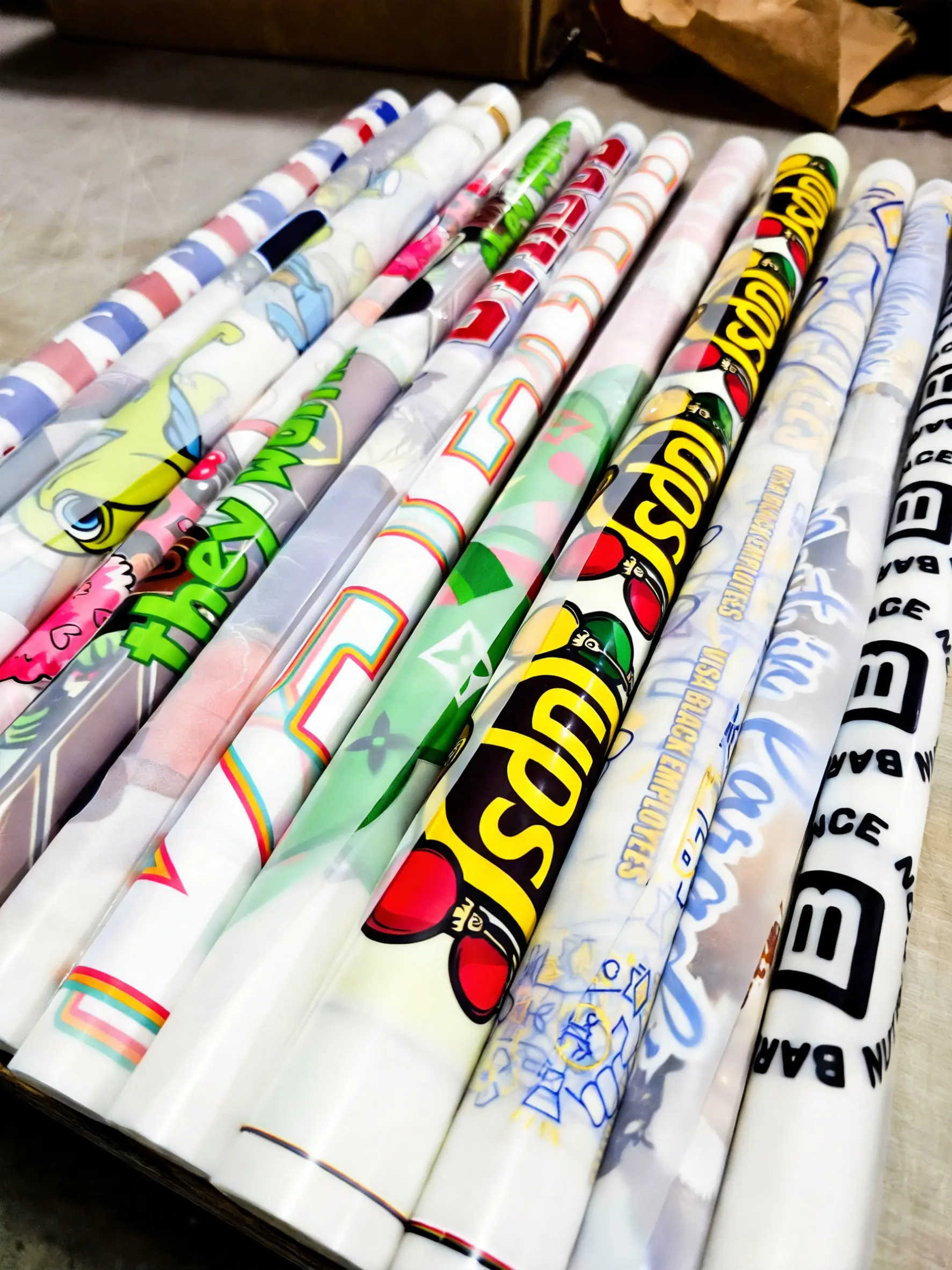
This DTF gang sheet sizing guide explains how to treat the canvas like a game of Tetris: place large artwork first, fill the remaining gaps with small graphics, and leave enough room to cut each transfer safely.
Why DTF Gang Sheet Sizing Matters
For apparel businesses and print shops, every unused inch of film increases the cost per design. A planned layout lets you combine full-front graphics, back prints, sleeve logos, pocket designs, and neck labels on the same sheet. You control the arrangement while getting more value from each print run.
1. Prepare Artwork at the Final Print Size
Set each design to 300 DPI at the exact dimensions you want printed. Enlarging a low-resolution screenshot does not create detail; it usually produces soft edges and visible pixels. Transparent PNG files or vector formats such as AI, EPS, and SVG are the safest choices.
Crop transparent padding tightly around every design. Invisible space still occupies room in the layout and prevents nearby artwork from nesting efficiently. This simple step makes the DTF gang sheet sizing guide easier to follow and increases the number of transfers that fit.
2. Choose the Right Gang Sheet Length
SpeedE Transfers uses a standard 22-inch printable width with multiple length choices. List the quantity and dimensions of every graphic before selecting a sheet. Sketching a quick layout can reveal whether a shorter sheet will work or whether moving to the next length will save time.
3. Place Large Anchor Designs First
Start with full-back and full-front graphics, which are commonly 10 to 12 inches wide. These anchor designs use the most space and determine the structure of the sheet. Once they are positioned, use the remaining areas for smaller elements.
4. Fill Gaps with Smaller Transfers
Use narrow or irregular spaces for neck labels, sleeve logos, hat transfers, and pocket hits. Common neck labels are about 2 to 3 inches wide, while pocket and hat designs are often 3.5 to 4 inches wide. Always confirm the final garment and placement before committing to a size.
5. Rotate Artwork to Reduce Waste
Artwork does not need to remain upright on the sheet. Rotate a sleeve logo 90 degrees when it fits beside an anchor graphic, or turn a small mark to occupy an otherwise unusable corner. Rotation will not affect the finished transfer as long as the designs do not overlap.
6. Leave Safe Cutting Space
Leave approximately 3 to 5 mm, or about 0.15 inches, between designs. This gives you room to separate transfers with scissors or a paper trimmer. Crowding artwork too closely can cause accidental cuts, while excessive spacing wastes printable film.
7. Review the Complete Layout
Before submitting the file, zoom in and check the outer margins, spacing, transparency, resolution, dimensions, spelling, and design quantities. The final review is the most important step in any DTF gang sheet sizing guide because the submitted arrangement is what will be printed.
Common DTF Gang Sheet Sizing Guide Mistakes
- Overlapping artwork: Touching designs may fuse together and become difficult to separate.
- Low-resolution files: Enlarged 72 DPI images can print blurry even when they look acceptable on screen.
- Artwork at the edge: A zero-inch margin increases the chance that part of a design will be clipped.
- Incorrect final size: Measure artwork before placement instead of relying on last-minute scaling.
- White backgrounds: Remove unwanted backgrounds before uploading so they are not printed.
Useful DTF Gang Sheet Resources
For garment placement recommendations, review the Merchant DTF Sizing Guide. You can also review Adobe’s image size and resolution guidance when preparing high-resolution artwork.
DTF Gang Sheet Sizing Guide FAQ
How much do gang sheets cost?
Gang sheets start at $10, with the final price determined by the selected sheet length and product options.
What is the maximum printable width?
The printable artwork width is 22 inches. Choose the length that accommodates your design sizes and quantities.
Can I build a gang sheet in Canva?
Yes. Set a custom canvas to the correct dimensions, use transparent backgrounds, and export a high-resolution transparent PNG. Verify the exported dimensions before ordering.
Is there a minimum order?
No. You can order one gang sheet or scale up for larger production needs.
Build Your Gang Sheet Today
Use this DTF gang sheet sizing guide to prepare your layout, then choose the ordering method that matches your workflow.
Build a Gang Sheet Upload a Finished Sheet