
DTF Transfers Not Sticking? 7 Common Mistakes Print Shops Make
If you’ve ever pressed a design onto a shirt and watched the edges lift when peeling the film, you’re not alone. One of the most common questions we hear from customers is about DTF transfers not sticking properly during application.
It can be frustrating. You line everything up, press the transfer, peel the film—and suddenly part of the design stays on the carrier sheet. Naturally, the first reaction many people have is to assume the transfer itself is defective.
But from our experience working with clothing brands and print shops every day, the issue with DTF transfers not sticking is almost always related to the pressing process rather than the transfer itself.
In this guide, we’re going to walk through the most common reasons DTF transfers not sticking happens, what mistakes beginners make, and how to fix the problem so you get consistent, professional results every time.
DTF Transfers Not Sticking? Why It Happens
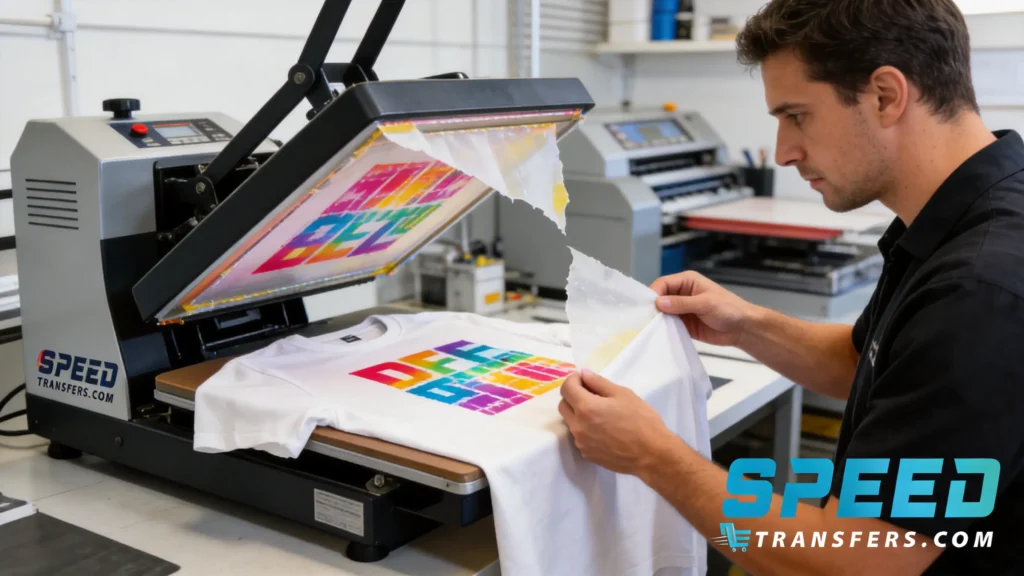
The number one cause we see when customers reach out about DTF transfers not sticking is incorrect heat press settings.
Most people immediately check temperature, but pressure is just as important. When a heat press doesn’t apply enough pressure, the adhesive on the transfer cannot fully bond with the garment fibers.
Instead of melting into the fabric, the adhesive sits on top of the garment. When you peel the carrier sheet, the design may lift or separate from the shirt. This is one of the most frequent reasons people experience DTF transfers not sticking.
Another common issue is pressing for too short of a time. If the adhesive doesn’t receive enough heat exposure, it cannot activate properly.
When both pressure and time are correct, the adhesive melts into the fabric and creates a strong bond.
Heat Press Settings That Work Consistently
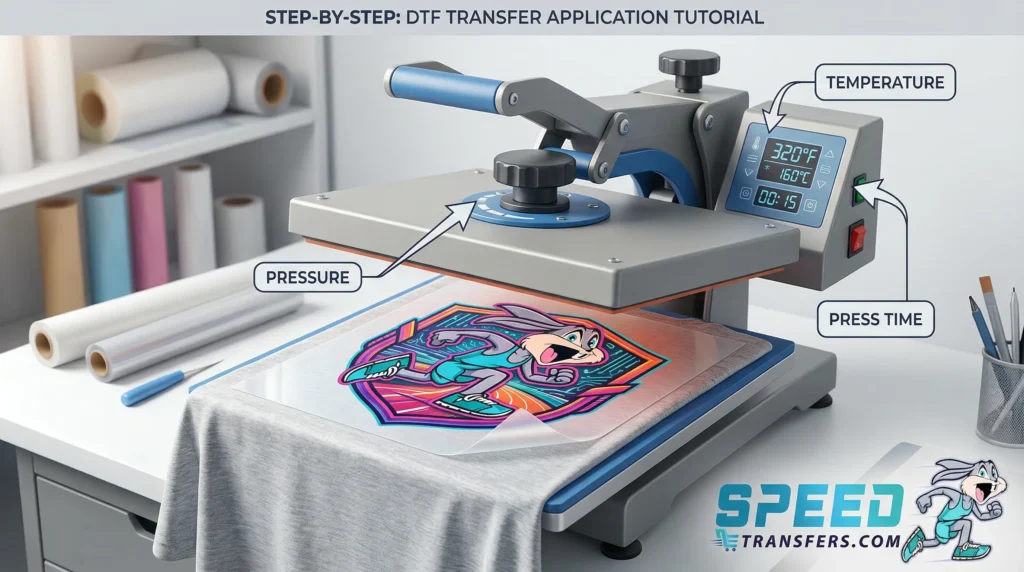
One of the easiest ways to prevent DTF transfers not sticking is to start with reliable press settings.
These are the settings we typically recommend for most standard garments:
Temperature:
260°F
Pressure:
Medium to firm pressure
Press Time:
8–10 seconds
Second Press:
Yes, 5 seconds with parchment or Teflon
Many cases of DTF transfers not sticking happen because the pressure is too light. Your heat press should require a bit of force to close. If it closes easily with little resistance, the pressure may not be enough.
After the first press, peel the carrier film and apply a quick finishing press with parchment paper. This final step helps lock the adhesive deeper into the fibers and improves durability.
When these steps are followed consistently, issues with DTF transfers not sticking become much less common.
The Beginner Mistake We See the Most
One of the biggest mistakes beginners make when they experience DTF transfers not sticking is focusing only on temperature.
Temperature matters, but pressure is just as important.
If pressure is too low, the adhesive never fully bonds with the garment. The transfer might look fine at first, but the edges can start lifting during peeling.
Another mistake beginners make is peeling too quickly. When people rush the peel before the adhesive has settled, they can accidentally pull parts of the design off the shirt.
Skipping the pre-press step is another factor that can lead to DTF transfers not sticking. Even new garments contain moisture. When pressed, that moisture turns into steam and creates a barrier between the transfer and the fabric.
A quick 2–3 second pre-press removes moisture and gives the transfer a clean surface to adhere to.
These small steps make a huge difference in preventing DTF transfers not sticking.
Heat Press Types That Cause the Most Problems
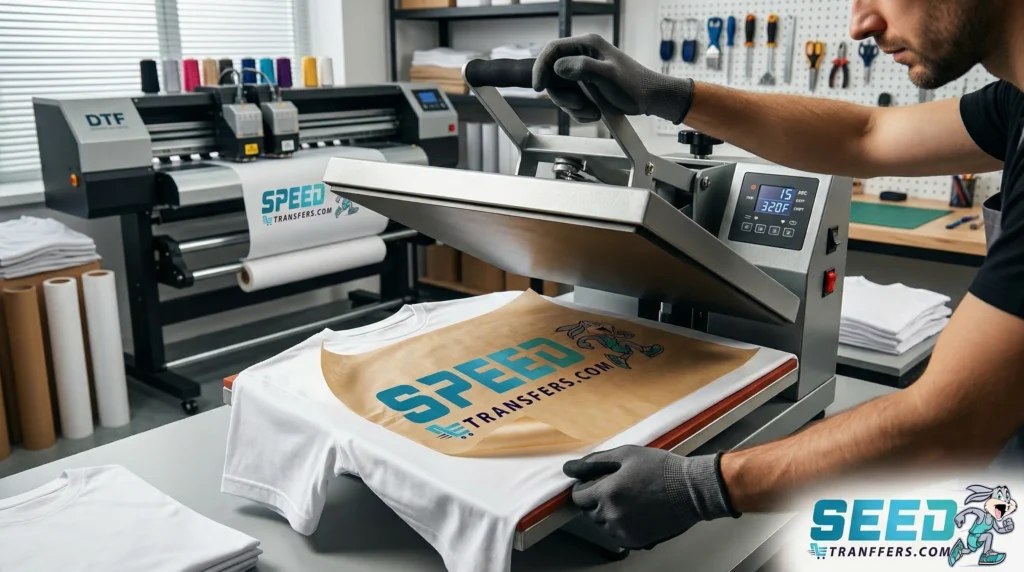
Another factor we often see when customers ask about DTF transfers not sticking is the type of heat press being used.
Many beginners start with inexpensive presses from Amazon. These machines are affordable, but they often struggle to maintain even pressure across the platen.
Sometimes the center presses correctly while the edges receive less pressure. This uneven pressure can easily lead to DTF transfers not sticking in certain areas of the design.
Handheld presses can also cause issues. Tools designed for small craft projects don’t always apply enough consistent pressure for larger transfers.
When pressure is inconsistent, some parts of the transfer bond while others lift during peeling.
Both clamshell and swing-away presses can work well when they are high quality. But lower-cost machines sometimes contribute to DTF transfers not sticking simply because they cannot maintain consistent pressure.
Fabrics That Can Be More Challenging
Another thing people notice when dealing with DTF transfers not sticking is that certain garments are more difficult than others.
Cotton shirts are usually the easiest to work with. The fibers allow the adhesive to bond very well.
However, other fabrics can be more challenging.
Polyester and moisture-wicking garments are common examples. These fabrics are designed to repel moisture and heat differently than cotton, which can sometimes lead to DTF transfers not sticking if the pressing process is not adjusted correctly.
Thick garments like hoodies can also create challenges. The extra material between the top platen and the design can reduce pressure.
When pressure isn’t evenly distributed, parts of the design may not adhere properly.
Nylon fabrics can also behave differently under heat. If temperature and pressure are not balanced properly, adhesion issues can appear.
In many of these cases, the solution to DTF transfers not sticking is simply adjusting pressure or ensuring the garment lies completely flat during pressing.
When the Transfer Isn’t Actually the Problem
One situation we see quite often is when customers believe the transfer is defective because they are experiencing DTF transfers not sticking.
But after troubleshooting, it usually turns out to be a pressing issue.
For example, we once had a clothing brand contact us because their transfers were peeling when they tried to remove the film. They assumed the transfers were defective.
After asking a few questions, we learned they were pressing with very light pressure.
We recommended increasing the pressure and doing a quick pre-press on the garment.
When they tried again, the design applied perfectly.
This is why we always emphasize checking press settings before assuming the transfer is the cause of DTF transfers not sticking.
Why Pre-Pressing Makes a Big Difference
Pre-pressing is a simple step that many beginners skip, but it can make a huge difference in preventing DTF transfers not sticking.
Most garments contain small amounts of moisture from packaging or storage. When the shirt goes under a heat press, that moisture turns into steam.
Steam can prevent the adhesive from bonding properly with the fibers.
A quick pre-press of 2–3 seconds removes moisture and flattens the fabric. This creates the ideal surface for applying the transfer.
Many print shops notice that once they start pre-pressing consistently, issues with DTF transfers not sticking drop dramatically.
Signs a Transfer Was Pressed Incorrectly
When DTF transfers not sticking happens, there are usually clear signs.
One of the most common is peeling edges. If the edges of the design lift during peeling or shortly afterward, the adhesive likely didn’t bond properly.
Another sign is uneven adhesion. Some areas stick perfectly while others lift. This usually happens when pressure is uneven.
Sometimes part of the design stays on the carrier sheet during peeling. This is another indicator of DTF transfers not sticking due to insufficient heat or pressure.
Occasionally the back of the design may feel rough or powdery. This can mean the adhesive didn’t fully melt into the fabric.
Recognizing these signs helps identify the cause of DTF transfers not sticking quickly.
What To Do If Your Transfer Starts Peeling
If you already pressed a transfer and notice DTF transfers not sticking, there is still a good chance the garment can be saved.
The first step is to place the carrier film back over the design if you still have it. If not, use parchment paper.
Then press the design again with firm pressure for about 5–10 seconds.
Often the adhesive simply needed more heat and pressure to activate.
If only certain sections are peeling, you can focus on pressing that area instead of the entire design.
After the transfer bonds correctly, do a short finishing press to lock the design into the fabric.
In many situations where people experience DTF transfers not sticking, a quick repress solves the issue.
Advice for New Clothing Brands and Print Shops
Running a clothing brand or print shop involves learning many small technical details, and DTF transfers not sticking is one of the most common challenges people encounter early on.
The best advice we can give is simple: take time to dial in your heat press.
Every heat press behaves slightly differently. Even if two machines show the same temperature, the actual heat distribution may vary.
Before running a large batch of shirts, always test your settings on one garment.
Doing this can prevent wasting multiple transfers due to DTF transfers not sticking.
Another helpful habit is keeping your process consistent. Use the same press settings, pressure level, and pressing routine each time.
Consistency dramatically reduces the chances of DTF transfers not sticking.
Finally, remember that most issues are not caused by the transfers themselves. Small adjustments to pressure, pressing time, or garment preparation usually solve the problem.
Final Thoughts
If you’re dealing with DTF transfers not sticking, the good news is that the problem is usually easy to fix.
In most cases, the issue comes down to one of these factors:
• Not enough pressure
• Incorrect temperature
• Pressing for too short of a time
• Skipping the pre-press step
• Uneven heat press pressure
Once these factors are dialed in, DTF transfers become extremely reliable and consistent.
From our experience working with clothing brands and print shops, most people who struggle with DTF transfers not sticking solve the issue quickly once they adjust their pressing process.
The key is understanding how heat, pressure, and fabric all work together during application.
When those elements are balanced correctly, you’ll get clean peels, strong adhesion, and prints that hold up wash after wash.
Follow us on Facebook for more helpful guides, printing tips, and updates from SpeedE Transfers: SpeedEtransfers.com